 GO AI Chat · iPhone · iPad · Mac
AI Chatbot, Photo & Video Generation.
GPT-6, Gemini, Grok 4, Claude, DeepSeek, and Kimi — switch models mid-conversation, always on the latest version. Plus image and video generation, real two-way voice powered by Grok's voice agent, and a Studio-grade photo editor.
Chat in your browser. Create images and videos in the GO AI app for iPhone, iPad and Mac. Start chatting
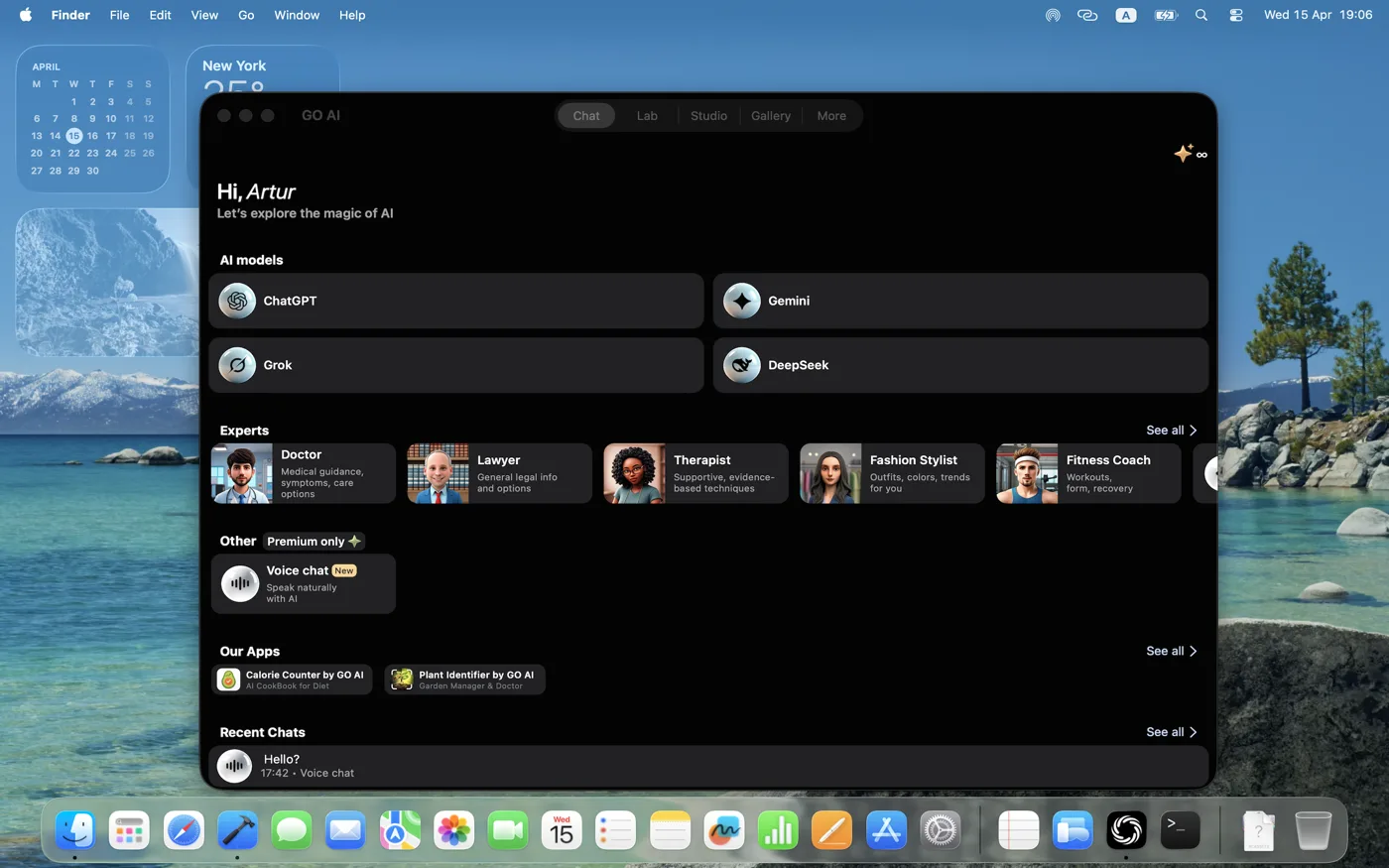
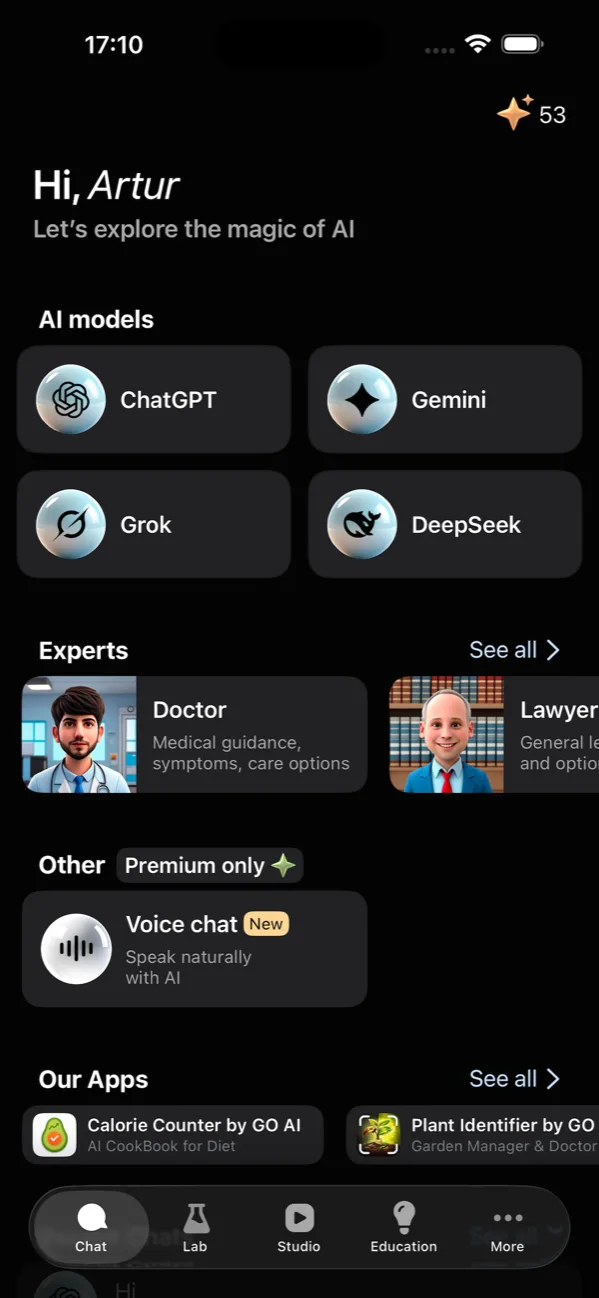
One subscription. Always the latest version of every frontier model.
-
 GPT-6
Reasoning, code, vision
GPT-6
Reasoning, code, vision
-
 Gemini
Long-context, multimodal
Gemini
Long-context, multimodal
-
 Grok
Real-time web, witty
Grok
Real-time web, witty
 ClaudeReasoning, code, vision
-
 DeepSeek
Math, science, fast
DeepSeek
Math, science, fast
 KimiLong-context, multimodal
Switch models mid-conversation
Start a thread with GPT-6 for code, switch to Gemini when you need long-context document analysis, jump to Grok for the latest news, finish on DeepSeek for fast math. The same conversation, six different brains.
- Always the latest model from each provider
- Switch models without losing context
- Token balance shown live in the header
- Save threads as named sessions
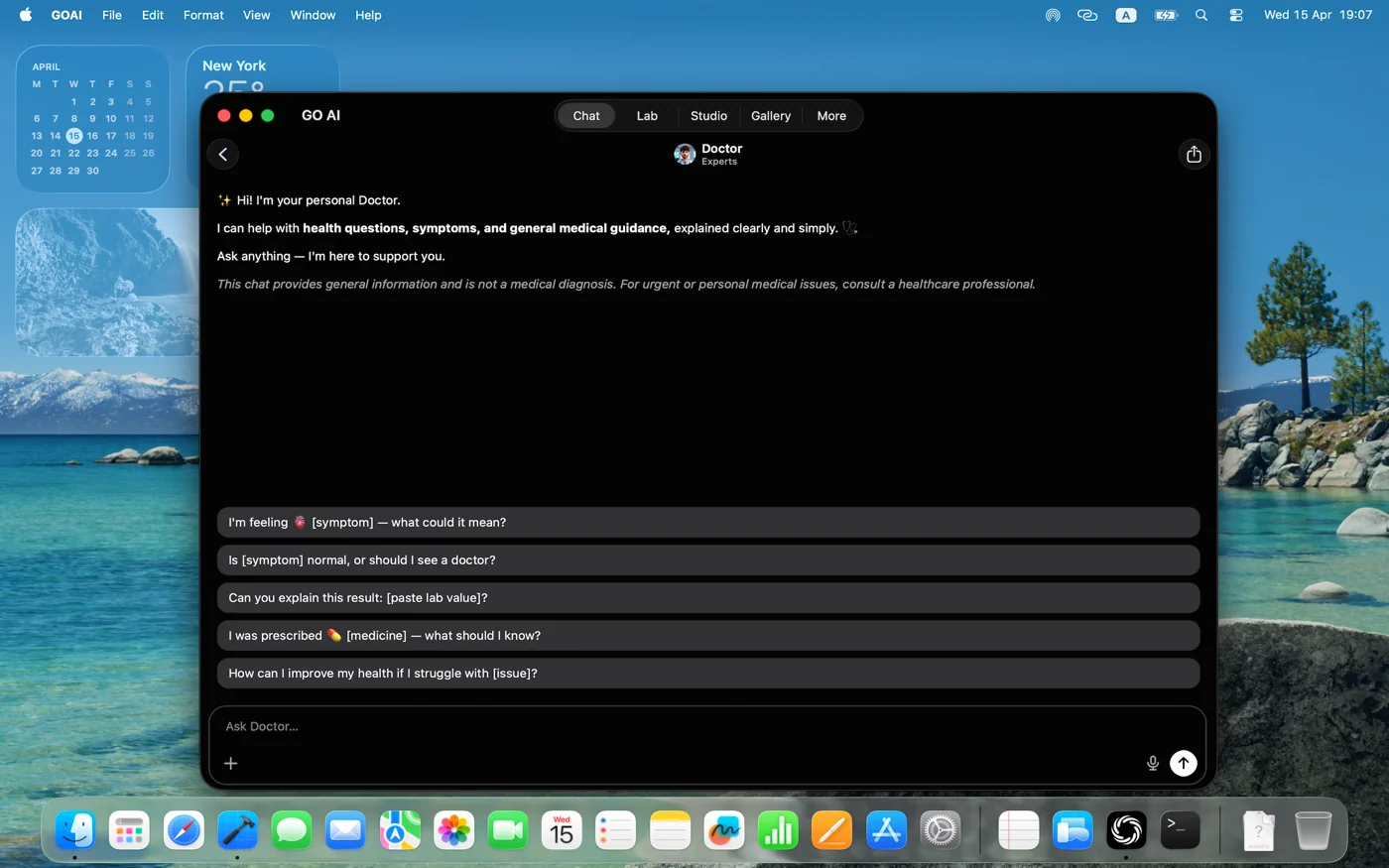
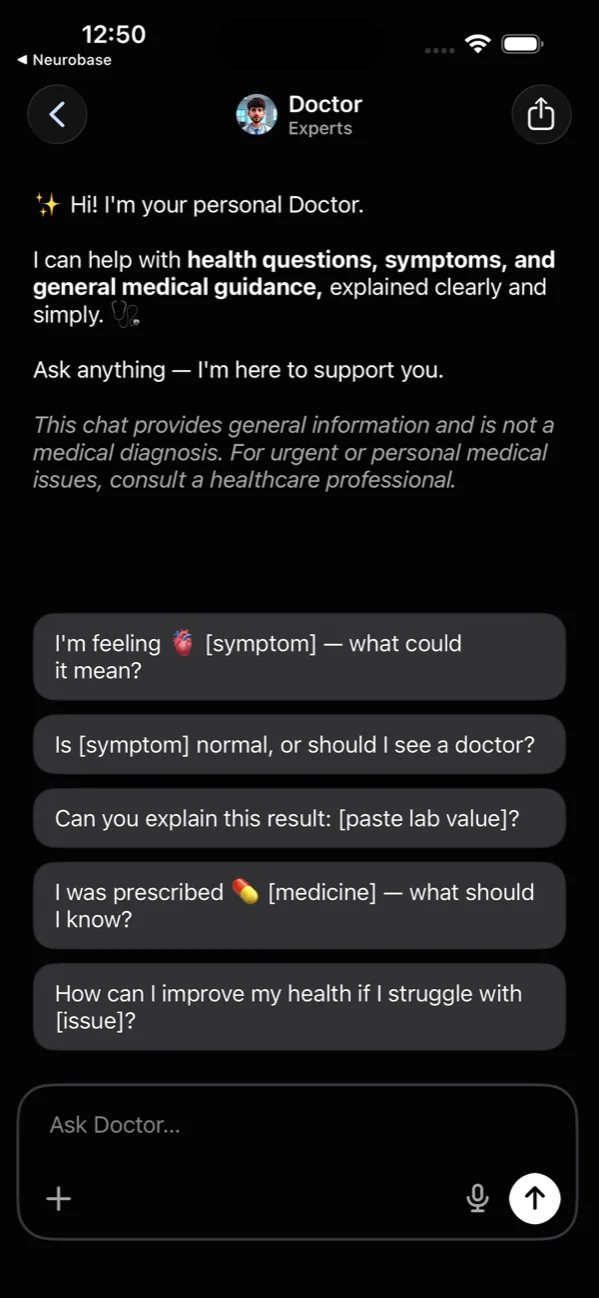
Talk to a doctor, lawyer, or coach
21 built-in experts for health, legal questions, fitness, technology, learning, travel, cooking, and more. Create and save reusable Custom Prompts for your own tasks and workflows.
- Curated experts for medical, legal, fitness, design, code
- Suggested first questions to break the ice
- Create and save reusable Custom Prompts
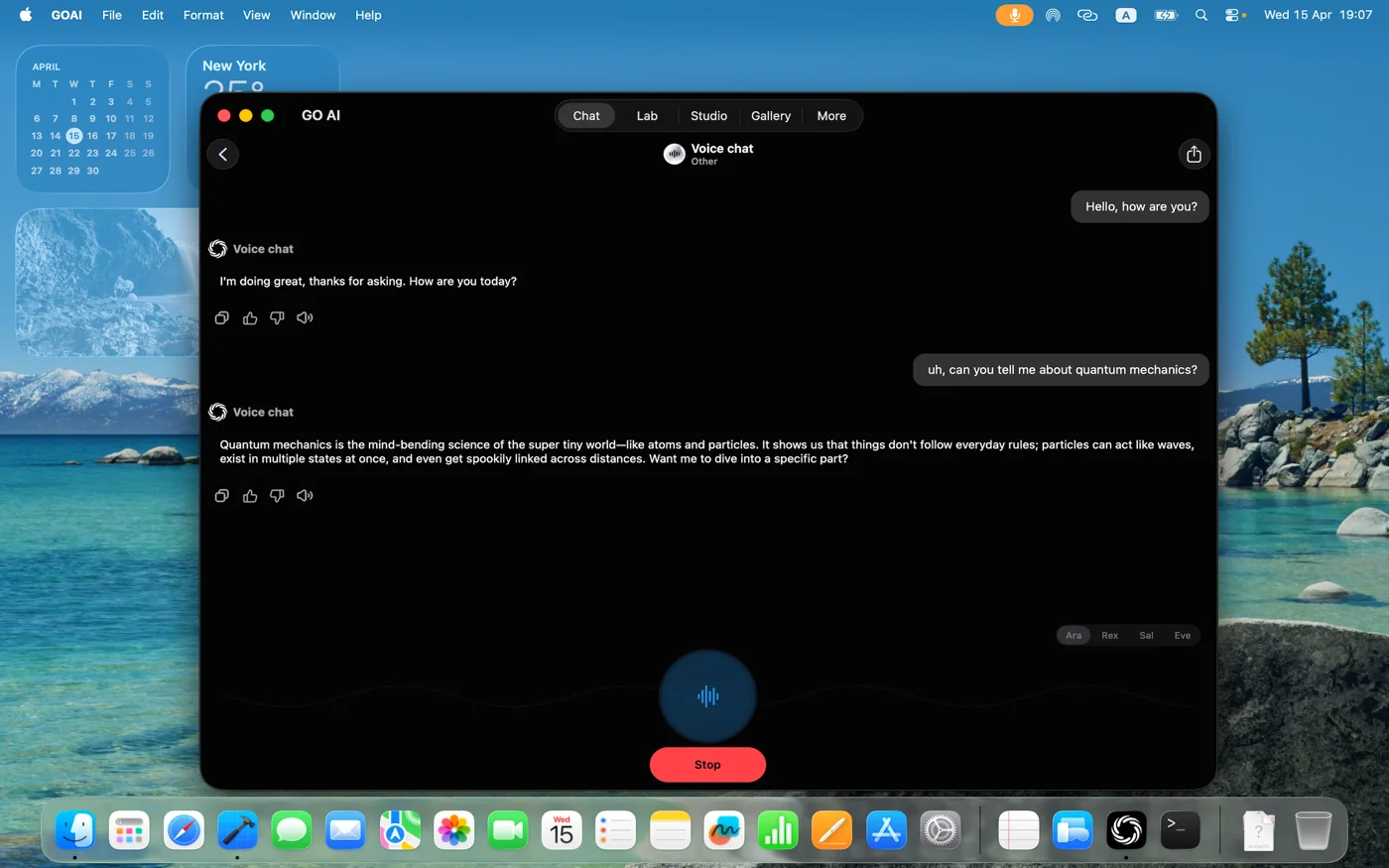
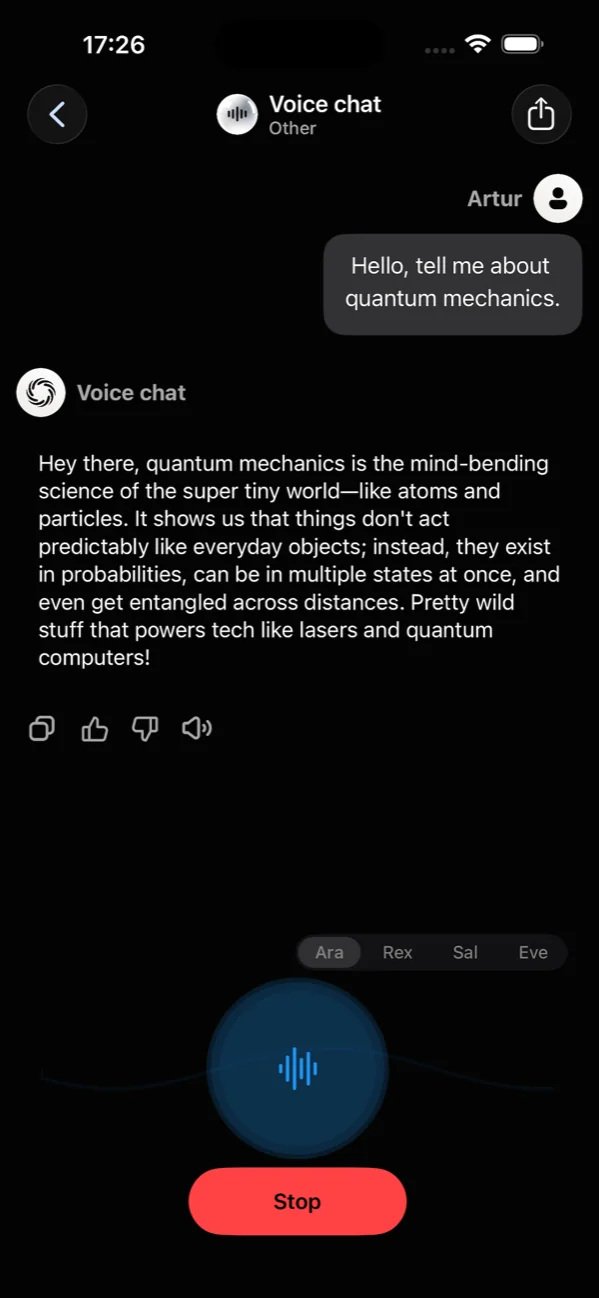
Voice mode, hands-free
Talk, and it talks back. Voice mode is a real two-way conversation powered by Grok's voice agent — live speech in both directions, not transcription. Pick from five voices — Ara, Rex, Sal, Eve, and Leo — each with its own tone.
- Grok voice agent — real two-way speech, not dictation
- Five voices: Ara, Rex, Sal, Eve, and Leo
- Live waveform feedback while you speak
- Auto-pause when you stop talking
Generate images from a single prompt
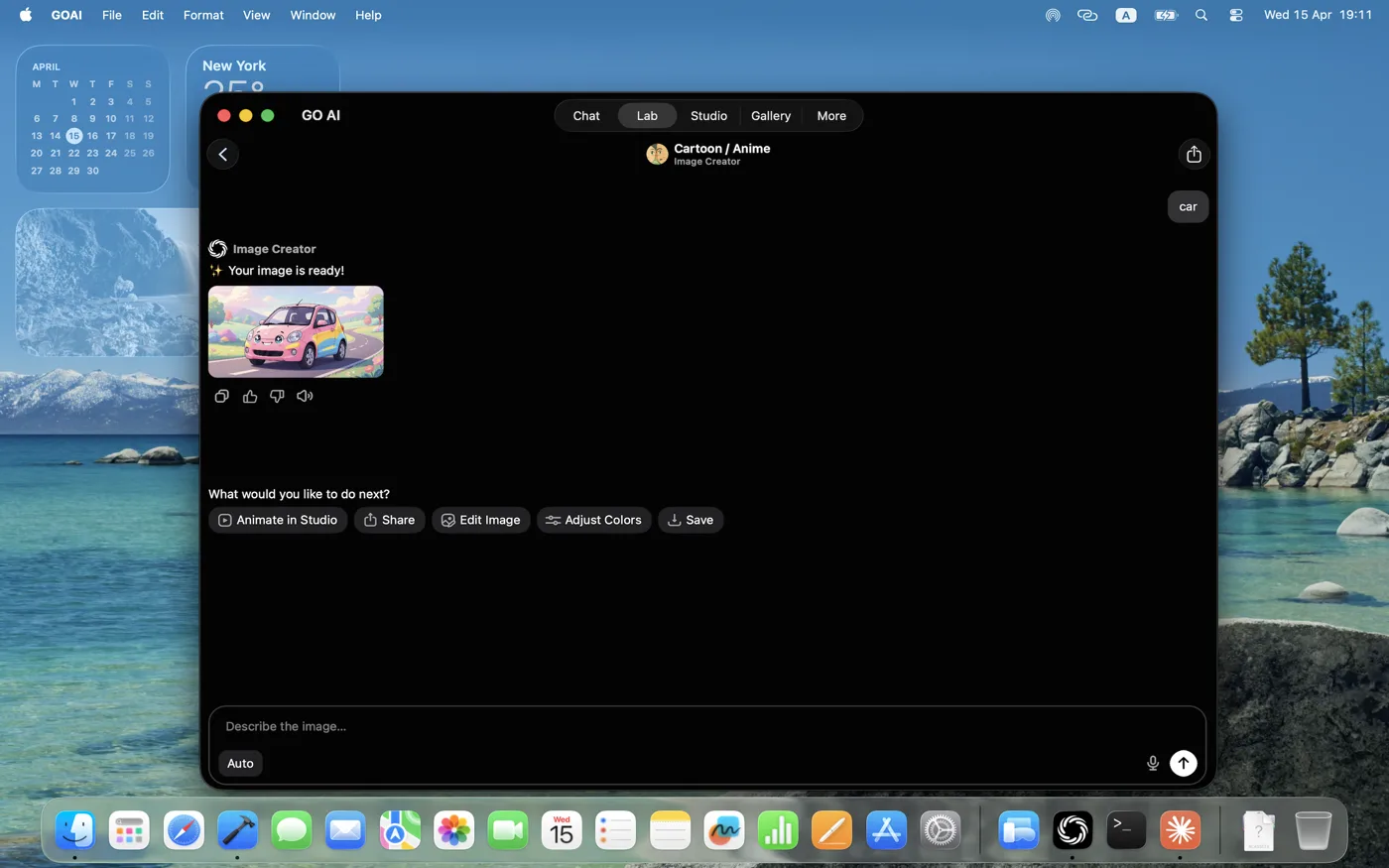
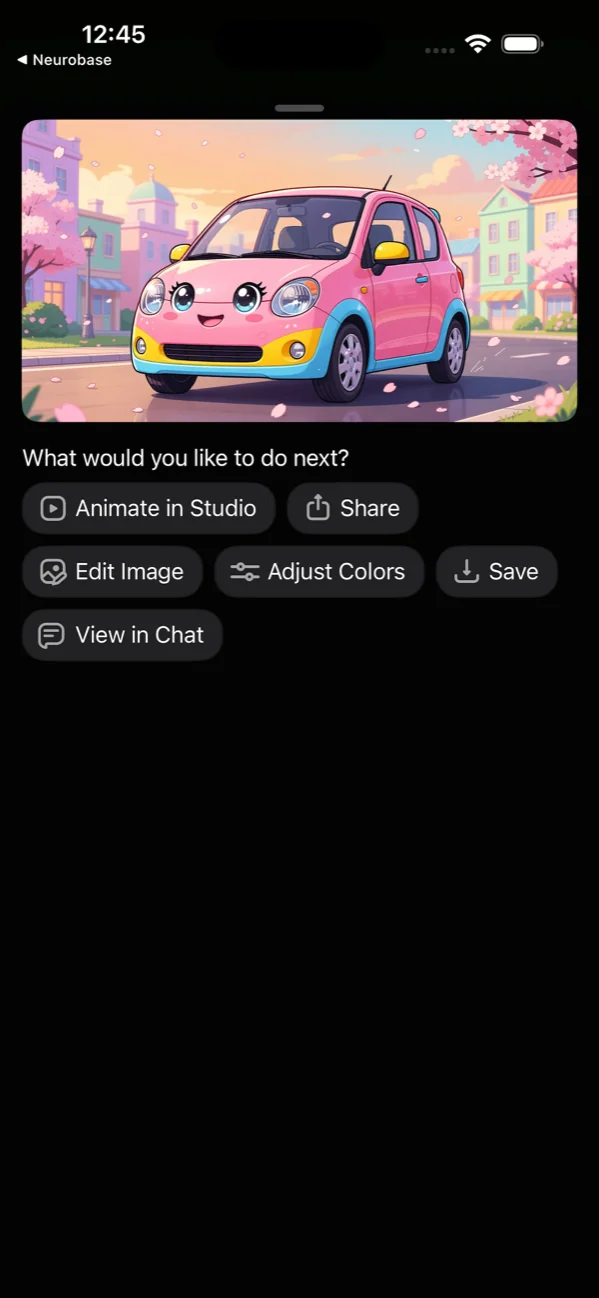
Describe what you want and choose from 24 built-in image-generation styles. The Lab runs the latest image models behind the scenes and serves you the result with one tap to remix or upscale.
- 24 built-in image-generation styles
- Prompt templates to skip the blank-page problem
- One-tap upscale, remix, or transform
- Save to Gallery automatically
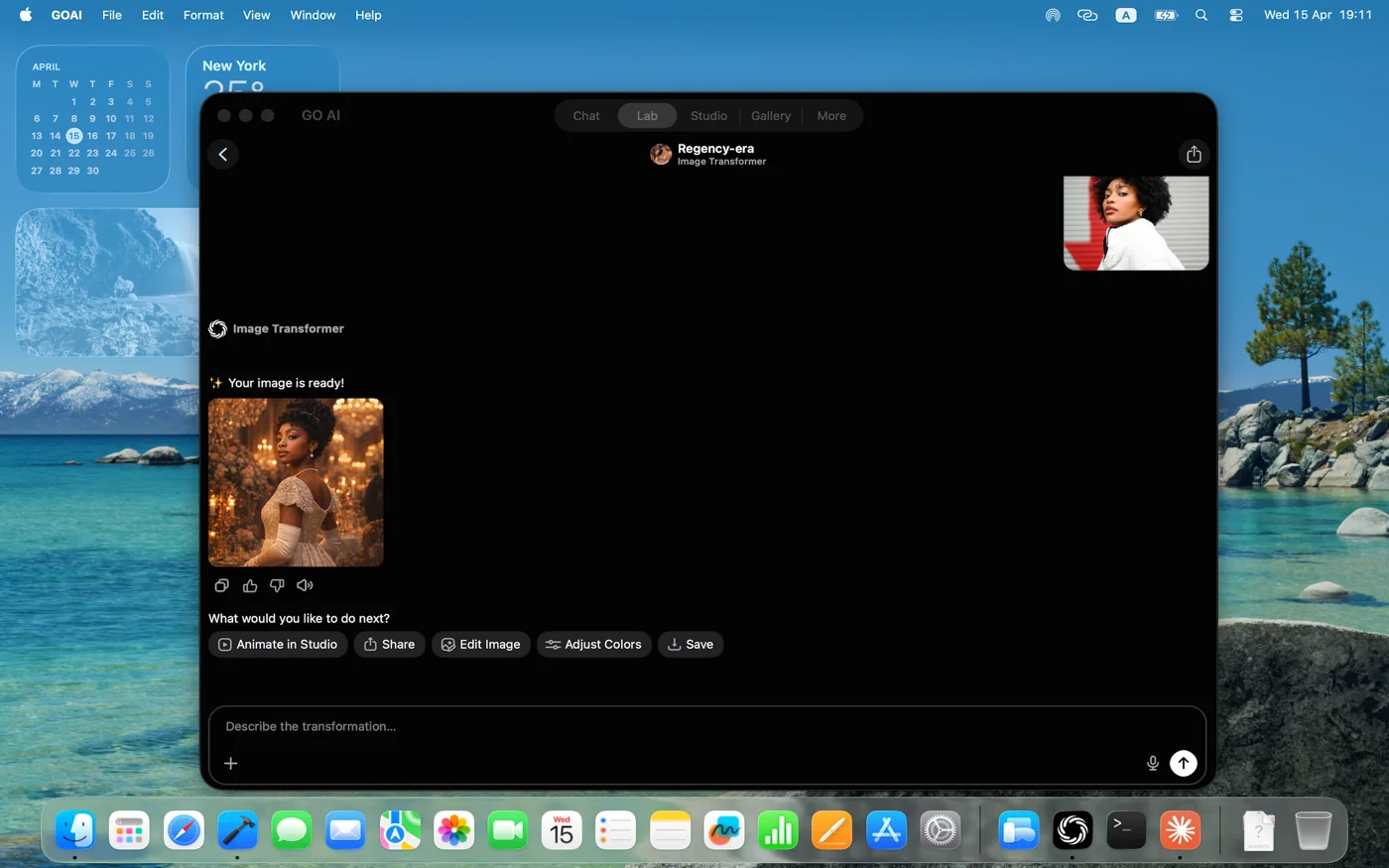
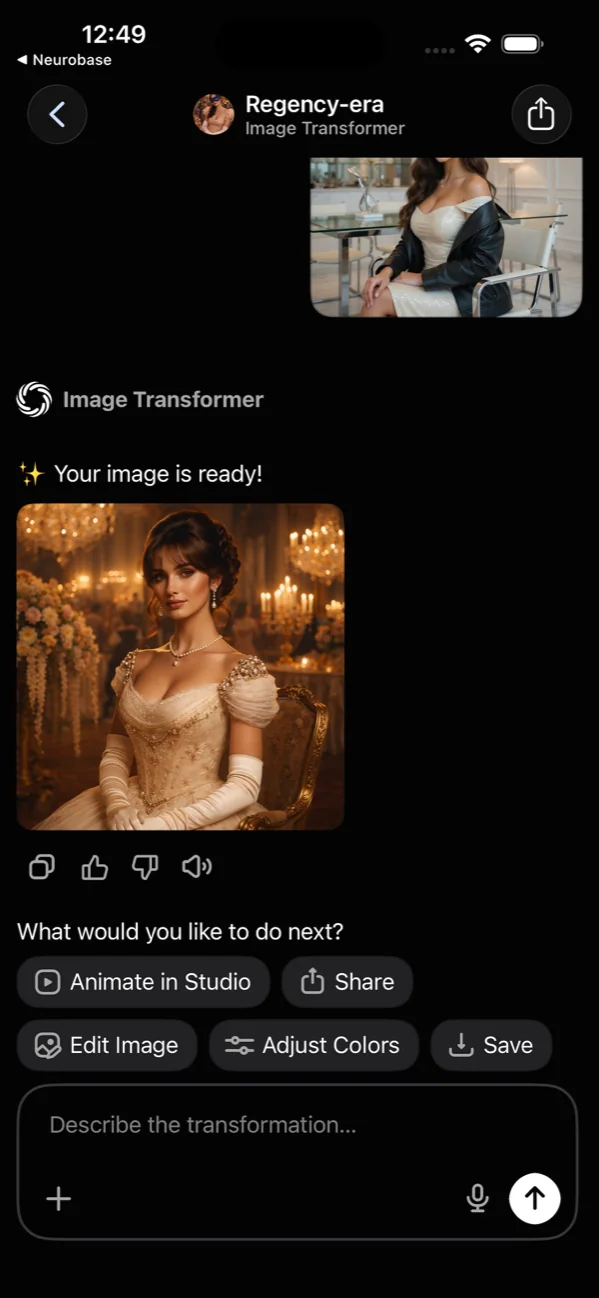
Restyle any photo, before to after
Compare the original and transformed image, then refine, remix, upscale, or save the result.
- Before-and-after view, always
- Period, fantasy, anime, photoreal styles
- Refine the result with a follow-up prompt
- Source photo never leaves your device until you ask
Studio: an image editor, baked in
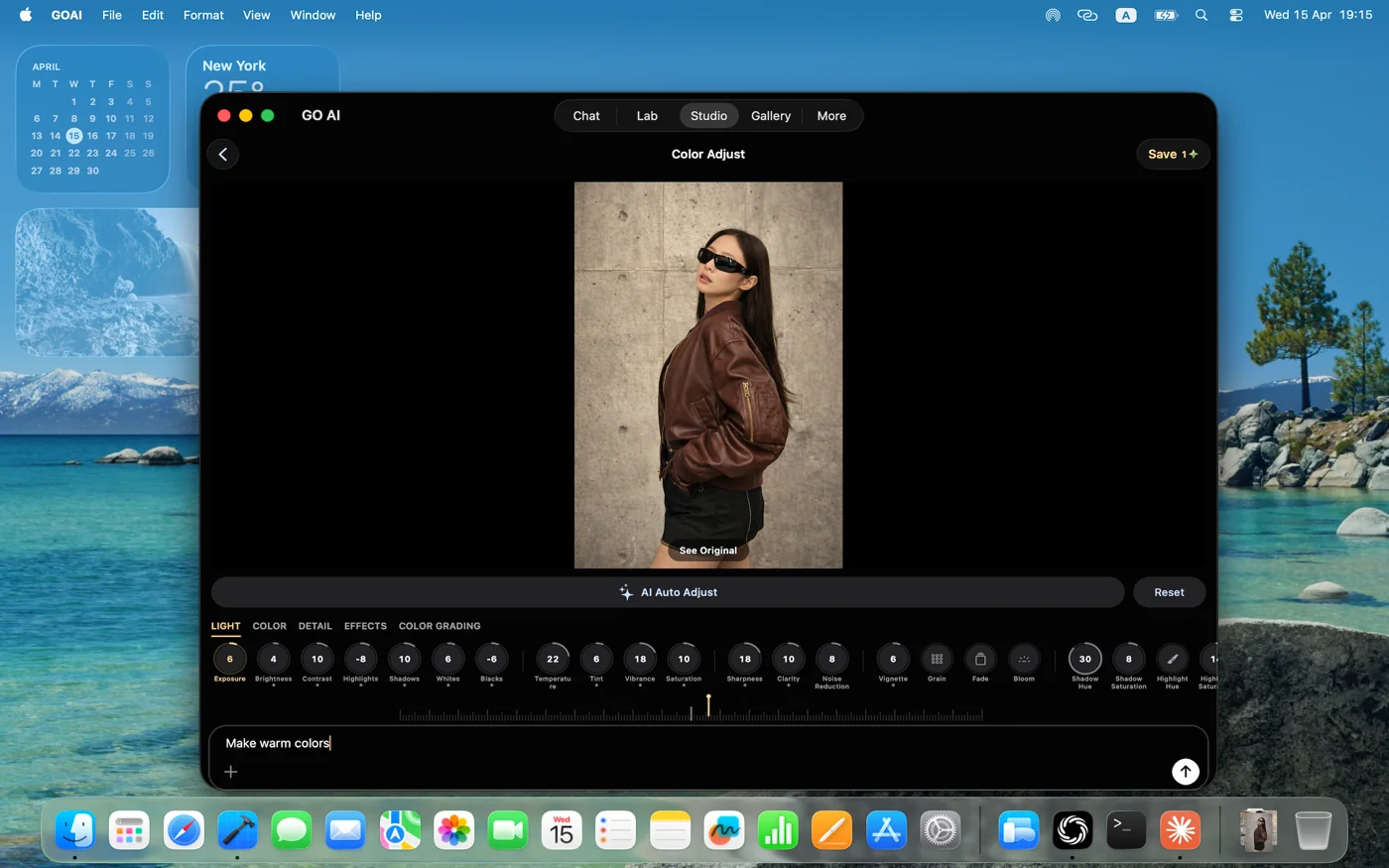
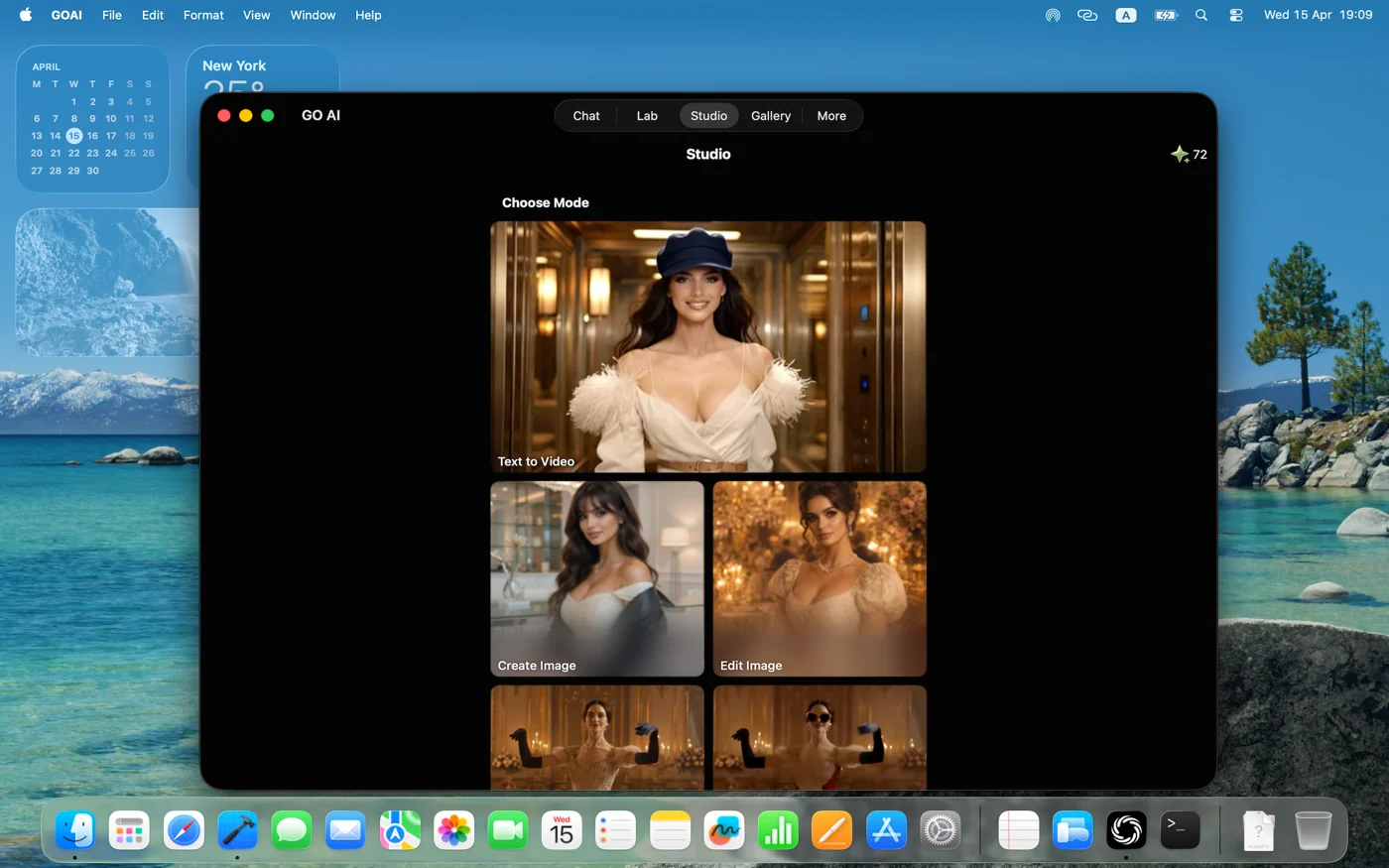
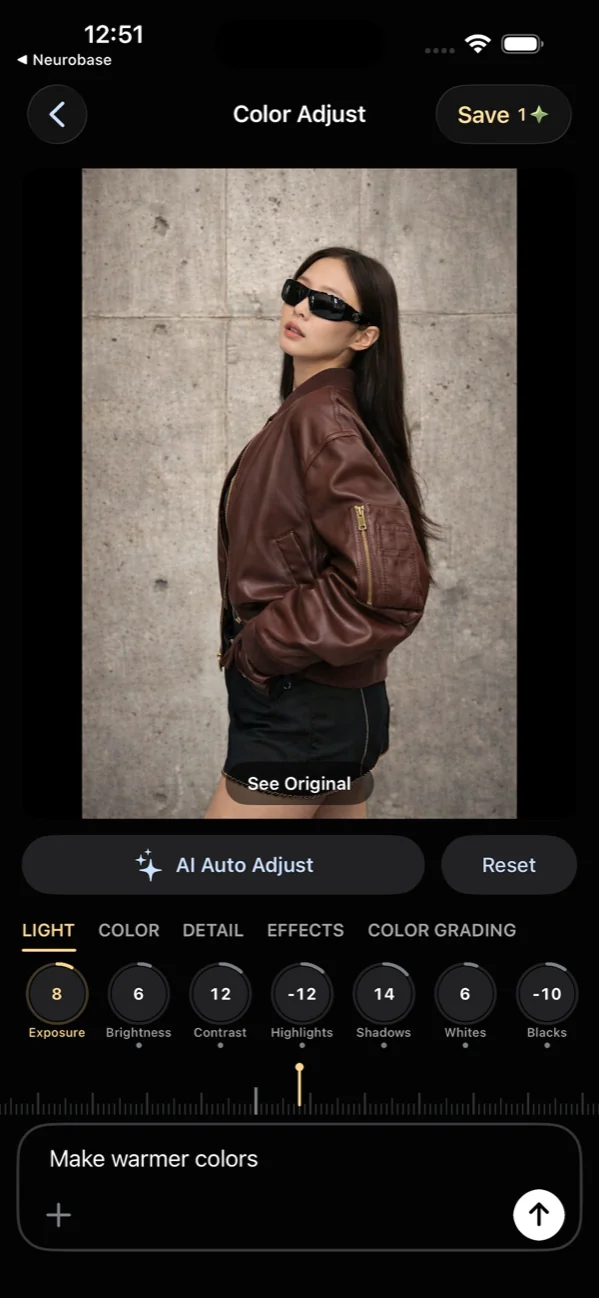
Fine-tune light, color, detail, effects, and color grading from one editor. Pick a mode (Try to Wear, Create, Edit) and dive in.
- Fine-tune light, color, detail, effects, and color grading from one editor
- Three modes: Try to Wear, Create Image, Edit Image
- Non-destructive — original always preserved
- Use the full Studio editor in a spacious desktop workspace on Mac
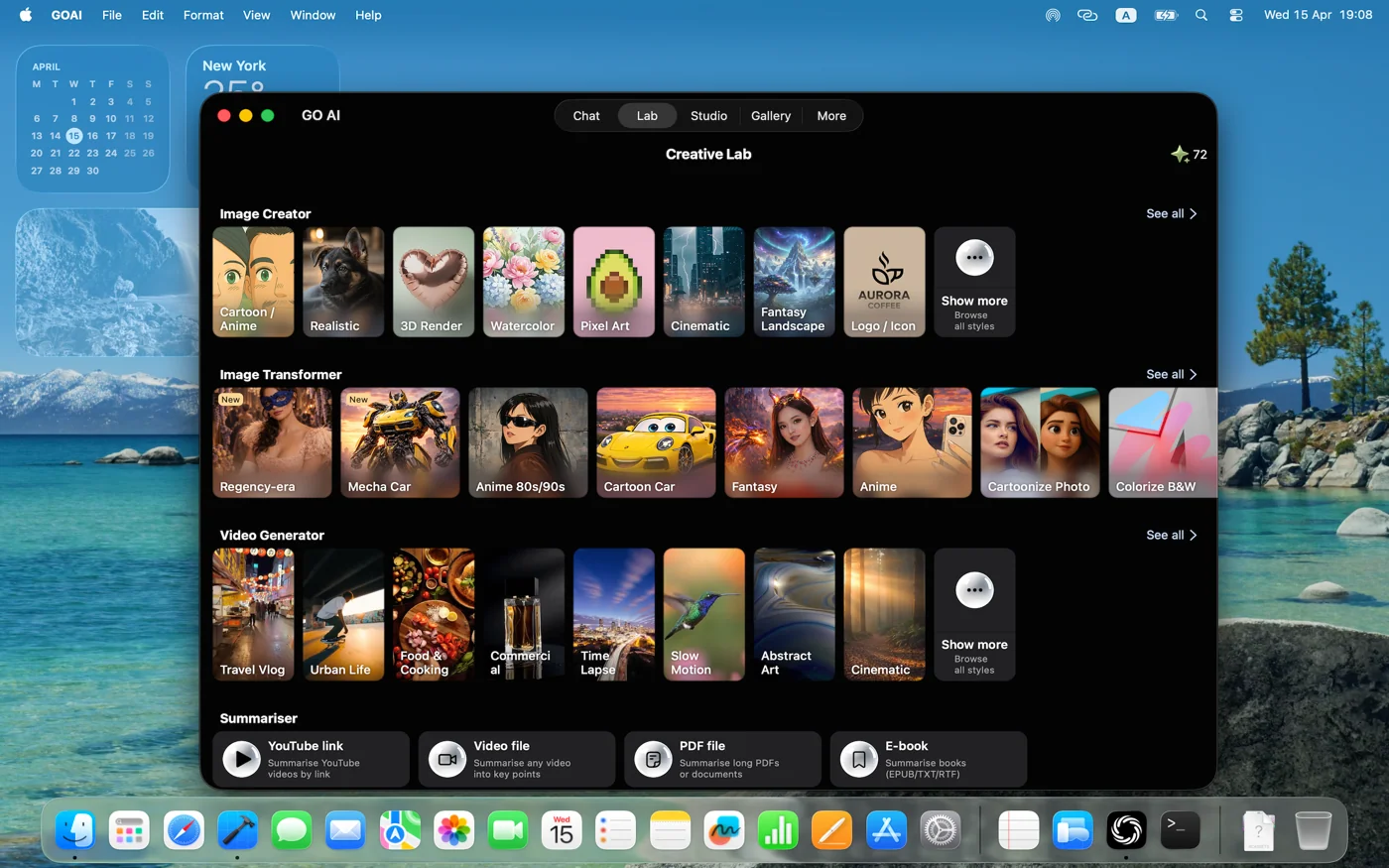
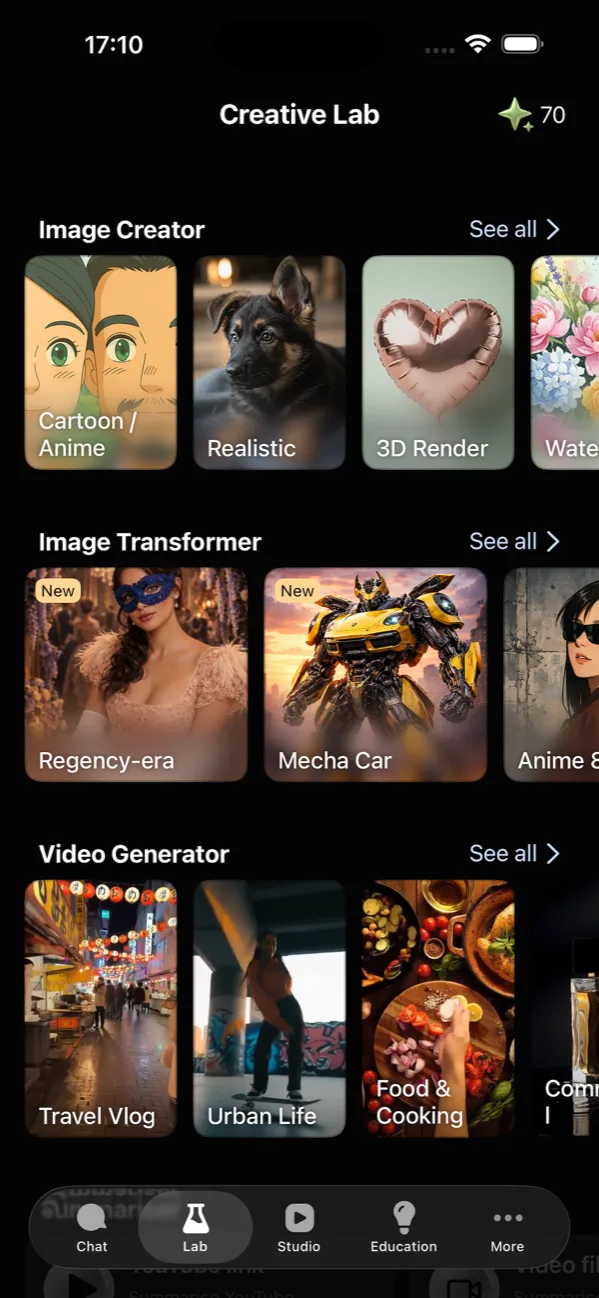
The Lab: every creative tool, one place
Image Creator, Image Transformer, Video Generator — all the AI media tools live under a single Lab tab. Each surfaces example outputs in the picker, so you know what you'll get before you commit a prompt.
- Image creator with 24 built-in image-generation styles
- Image transformer with before/after preview
- Video generator with prompt-to-clip
- Explore image-to-video
- Edit your photos with AI prompts
- Examples shown inline so you know what to expect
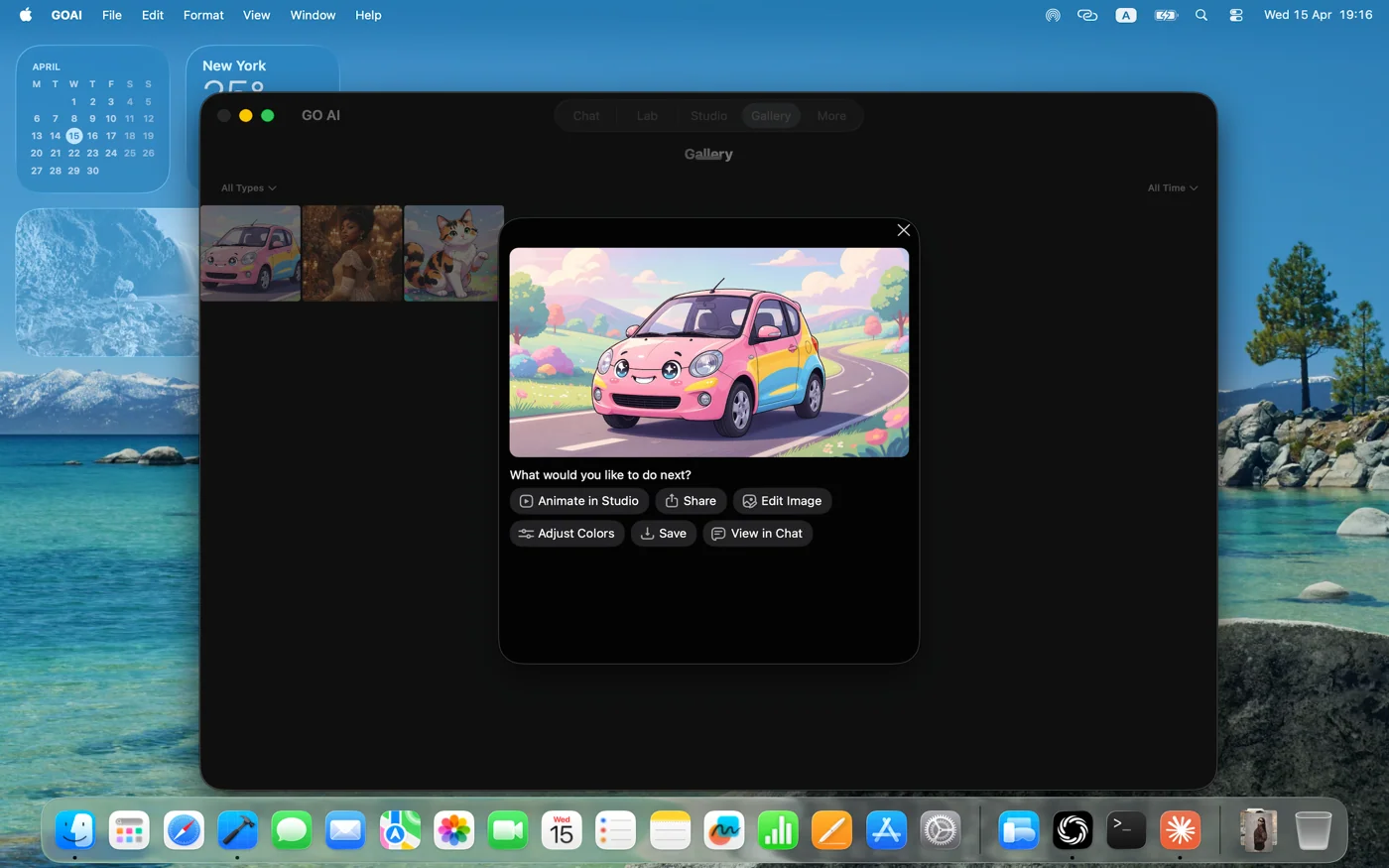
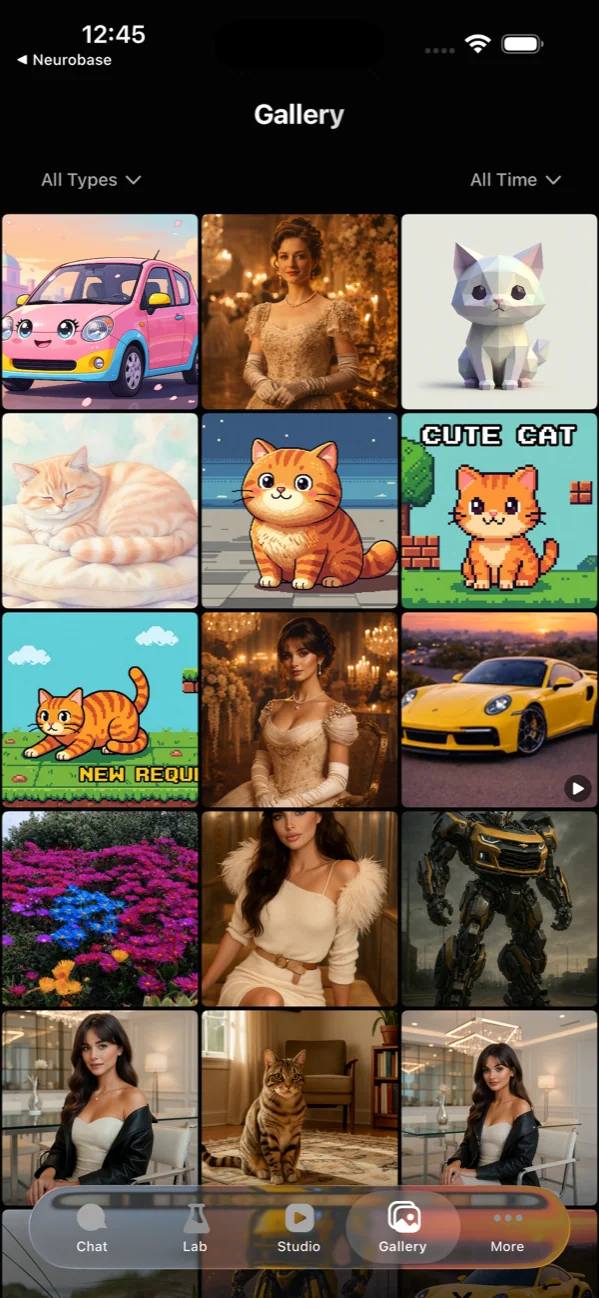
A Gallery of everything you create
Every creation is saved to Gallery, where you can filter images and videos by type or date. On Mac, the Gallery becomes a working canvas with thumbnails on the left and a big preview on the right.
- Auto-saves every output
- Filter images and videos by type or date
- One-tap save to Photos
- Mac gallery doubles as a working canvas
iPhone, iPad, and Mac.
Same conversation, all your devices.
One subscription. Universal app. Pick up where you left off, even mid-thread.
One task, several AI answers
Keep the same source and request when trying different models. Compare factual support, instruction following and how much editing the result needs. The model list and available controls can vary by version; use the options shown in your app.
- Turn rough notes into an executive update email
- Summarize meeting notes without inventing decisions
- Translate a business message without changing its meaning
- Summarize a client brief before planning the work
- Compare two AI answers with the same criteria
- Multiple AI models in one app: how to compare answers
- Which AI model should you choose for your task?
- Custom system prompts: reusable instructions and examples
AI writing tools for emails, summaries and everyday work
Start with your own notes or text. Choose a task, add the details, and send a complete request to GO AI web chat. Review the answer before using it.