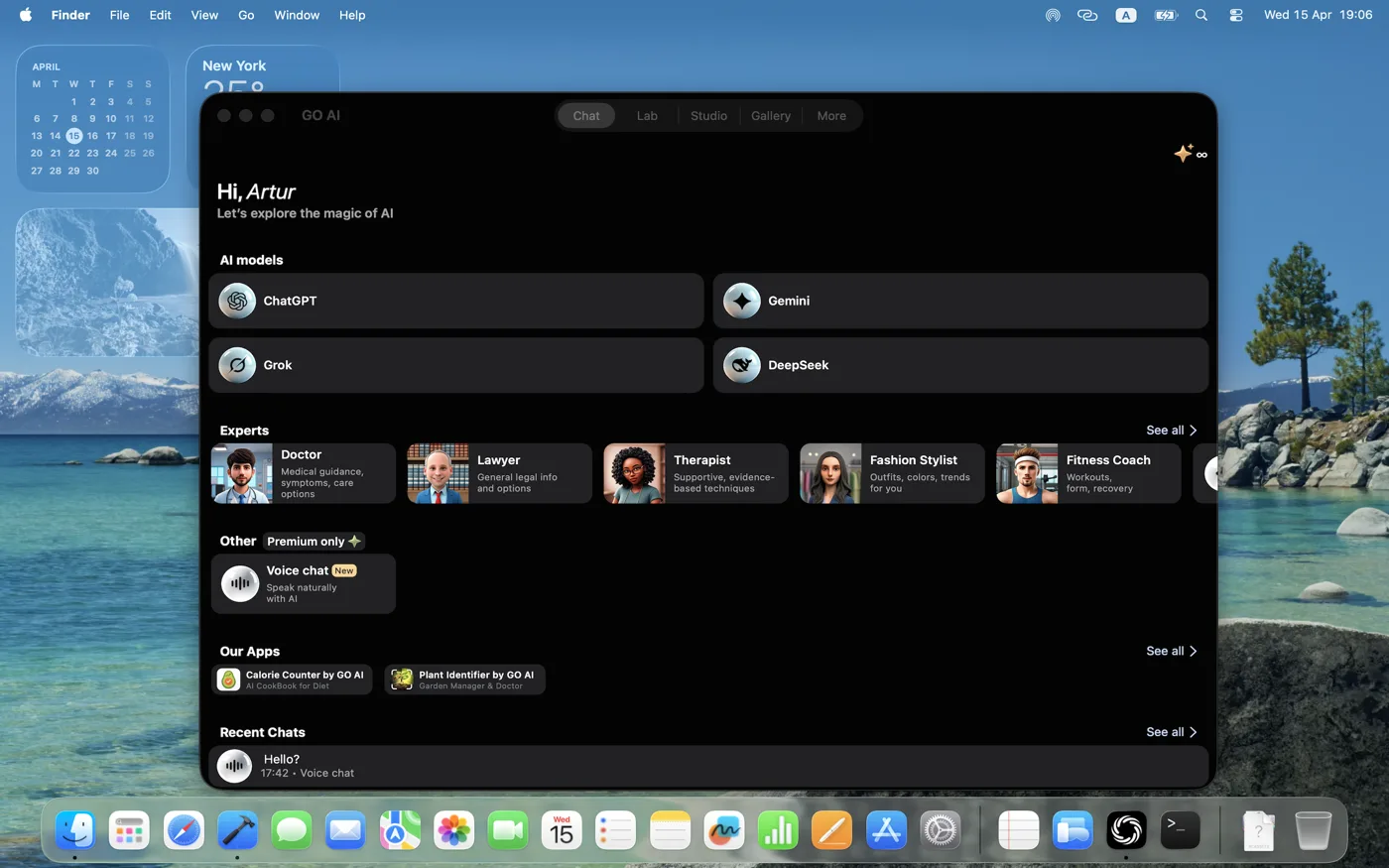
Multiple AI models in one app: how to compare answers
Use several AI models to get a second approach to the same task. Compare accuracy and usefulness, not the number of models in a menu.
What is a multi-model AI app?
A multi-model AI app gives you access to different AI models through one interface. This can help when you want a second draft, another explanation or a different approach to a problem. Before switching within a conversation, check which earlier messages, files and tools remain available. To compare models fairly, use separate new conversations with identical inputs; to continue working, carry over the source and the instructions the next model needs.
Run a fair comparison
Start fresh conversations with the same source text and request. Keep the available tools and instructions comparable. Record the selected model and date; a provider name alone does not identify a version. Compare complete answers before choosing one.
Try this meeting-notes exercise
Source: Maya sends the draft on Thursday. Leo reviews it after delivery. No release date has been agreed. Extract the decisions, owners and deadlines. Mark missing information explicitly. Use only the source.A useful answer assigns Thursday to Maya's draft, leaves Leo's deadline unspecified and does not invent a release date. This is an illustrative checking exercise, not a measured model result. A second answer can expose a mistake, but agreement between models is not proof.
When another app may fit better
Check the exact model, available tools and supported input types in your current app. A provider's own app and a multi-model app can offer different features even under a similar model name. Compare the workflow you need, not an assumed feature list.