AI news
Unlimited OCR 2: scanned PDF to text and table extraction
Explore Baidu’s Unlimited OCR 2 for long documents, scanned PDF text and tables. Learn how to check extracted data before asking AI for a summary.
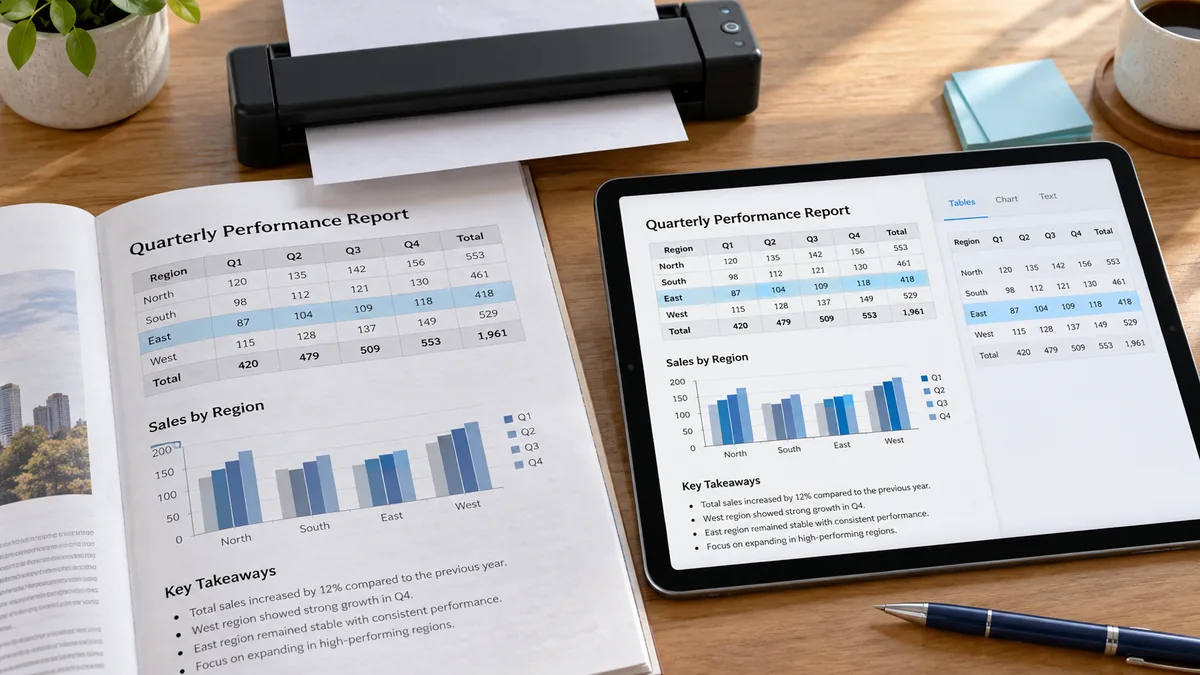
A scanned PDF can look perfectly readable to you while still being difficult to search, copy or summarize. OCR turns the page image into text; document parsing adds structure such as headings and tables.
Unlimited OCR 2 is a new release in that workflow. This guide explains the announcement and gives you a small, checkable exercise for the next step: turning extracted text into an accurate answer.
At a glance
- Release
- Baidu announced Unlimited OCR 2 on October 27, 2026.
- Focus
- Long-document parsing, layout structure and content that continues across pages.
- Access
- The announcement links to model weights and hosted public-test services.
What does Unlimited OCR 2 add?
Baidu describes structured recognition of headings, paragraphs, tables and other layout elements, including joining tables and text across page breaks. It positions the release for very long documents. The name Unlimited is not a guarantee of unlimited hosted usage: check the service limits and deployment requirements for your chosen route.
Scanned PDF to text: use a three-stage workflow
First, identify the input. If text cannot be selected, an OCR step may be needed. If it can be selected but a table copies into the wrong columns, focus on layout extraction. Keep the original pages next to the extracted version so the structure can be checked.
Second, inspect the high-value details: identifiers, dates, decimal separators, negative signs and column headings. Retain the page number with each extracted row. A column shift can turn an accurate number into an inaccurate claim.
Third, ask the assistant to answer only from the verified text. Require a source reference for every important statement and an explicit unknown when a field is missing. Separate a transcription question from an interpretation question.
How to check tables that span multiple pages
Repeated headers are labels, not extra data rows. A subtotal should not be added again to the underlying entries. When a row continues onto another page, check its identifier before merging it; two similar descriptions may belong to different records.
Before exporting to a spreadsheet, count the original rows, confirm the unit for each numeric column and compare at least one total manually. Preserve uncertain characters as uncertain rather than asking the assistant to guess what the scan probably meant.
Try a document-analysis prompt with a known answer
This fictional text exercise tests reasoning after extraction, not the OCR model itself. It requires no file upload. The correct result has A17 = 40 units and B22 = 25 units, giving 65 units in total. The repeated heading adds nothing, and neither payment status is known.
If the assistant says the invoices are paid, doubles a row or treats the heading as an item, the result fails. Ask it to cite the page for each row before using it in another document.
Use only this fictional extracted document. Page 1: heading Invoice | Amount; row A17 | 40 units. Page 2: repeated heading Invoice | Amount; row B22 | 25 units. No payment status is stated. Return a table with invoice ID, amount, source page and payment status. Sum the two amounts once. Mark missing payment status as unknown. Explain why repeated headings are not data rows. Do not infer payment or invent missing fields.Choosing an OCR tool for your documents
Try a representative sample before processing an archive: a clean page, a low-quality scan, a multi-column page and a table split across pages. Check the language and script used in your own files. Success on one language or a clean example does not establish accuracy on every document.
For confidential material, check where processing happens and the service’s data-handling terms before uploading. Use fictional or redacted examples while you evaluate the workflow. Open model weights and a hosted service are different deployment choices, with different operating requirements.
A useful outcome is traceable data you can check. Measure correction time and missing rows as well as extraction speed; faster output is not valuable if someone must rebuild the table afterwards.
Questions, answered
Does OCR automatically produce a reliable summary?
No. OCR extracts text; summarization interprets it. Check important source details first so extraction errors do not become confident conclusions.
Does Unlimited mean unlimited free processing?
No such service guarantee is established here. Check the hosted service terms or the resources required to run the model.
Does the GO AI example test scanned-PDF recognition?
No. It tests a separate step: reasoning over already extracted fictional text. The answer key is written by us, not a recorded OCR model result.
Sources and editorial note
Reported facts are linked to their sources. Sections marked GO AI analysis contain our interpretation; prompts are suggestions, not recorded test results.
- Baidu: Unlimited OCR 2 release and public test — 2026-10-27