Generating video with Grok: a hands-on guide
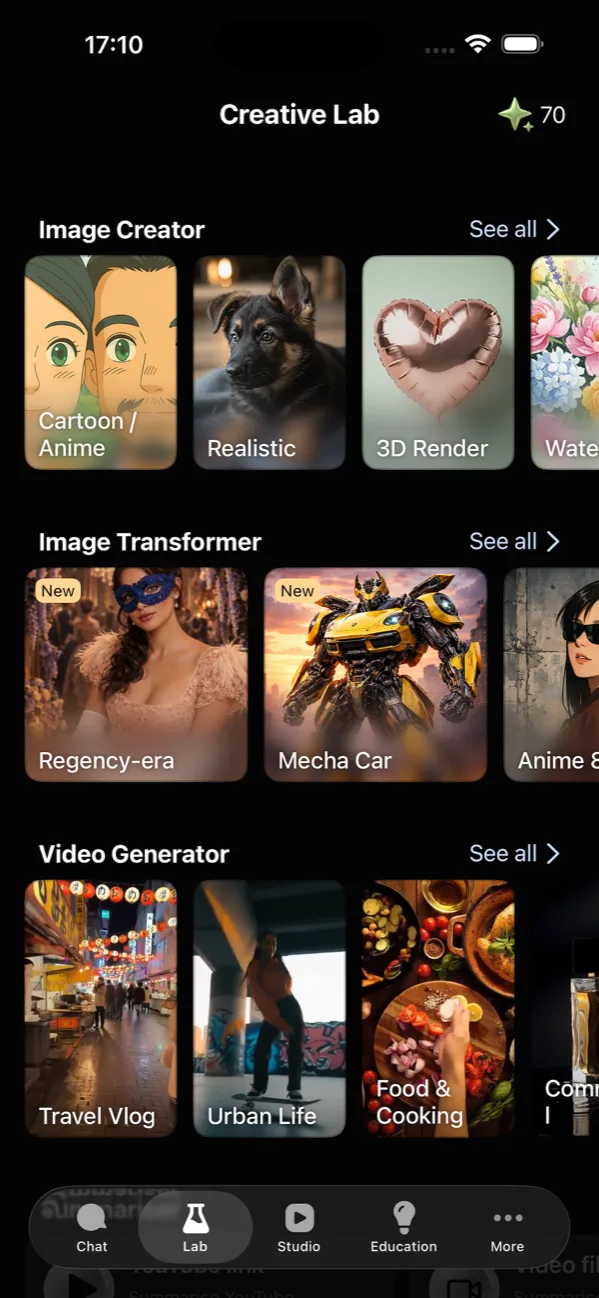
Grok's video model turns a sentence — or a photo — into a short clip, up to 15 seconds. In GO AI Chat it lives in the Lab tab alongside image generation, so you're not paying for a separate app. The prompt pattern that works is boring and reliable: one subject, one action, one camera move, one style. Everything else is variance management.
Explore GO AI · From photo to video
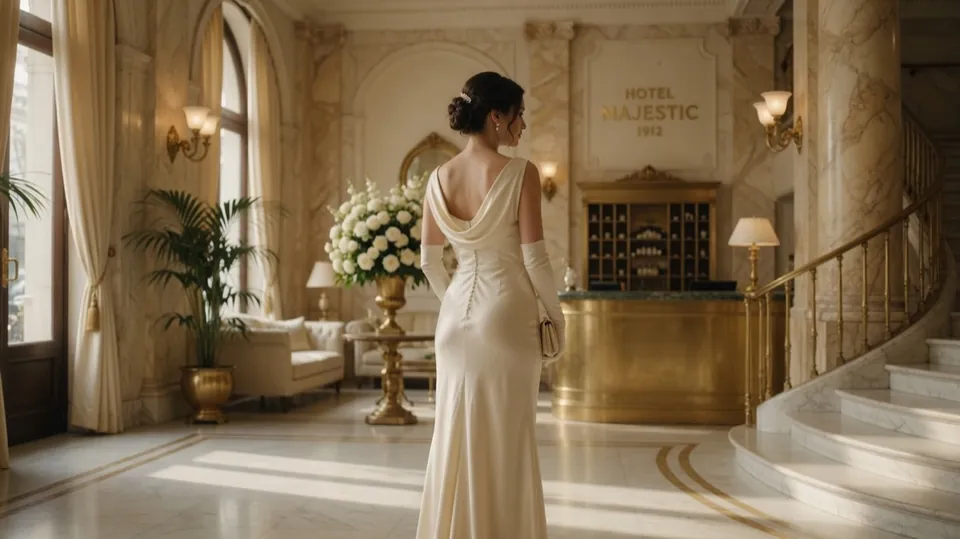
have her turn and walk toward the camera
Video generation happens in the app. The web app supports chat.
AI can change faces, hands, lettering and fine details. Review those areas carefully. Start with subtle movement and adjust one instruction at a time.
What Grok video actually is
It's a text-to-video and image-to-video model from xAI. You give it a description or a still image; it returns a short clip with synthesised motion. It is not an editor, not a stock library, and not a tool for making a two-minute scene. Treating it as a shot generator — one moment, a few seconds long — is the mental model that produces usable output.
The same underlying capability powers video generation in a few places, including X. What differs is the surrounding context: in GO AI Chat the clip lands in your camera roll rather than a feed, and you're already in the app where you write, research, and generate images.
The prompt pattern
Every motion prompt that has worked for us has the same four parts. Miss one and the model invents it, usually badly.
- Subject — who or what, specifically. "A woman in a yellow raincoat," not "a person."
- Action — one thing happening. "Walking toward the camera." Not "walking, then turning, then waving."
- Camera — the model will move the camera whether or not you ask, so ask. "Slow push in." "Static wide shot." "Handheld follow."
- Style — "shot on 35mm, shallow depth of field," "anime cel shading," "grainy documentary."
Put together: "A woman in a yellow raincoat walks toward the camera through neon-lit rain, slow push in, shot on 35mm with shallow depth of field." That reads like a shot list because it is one.
Length, shape, and quality
Three settings matter, and they interact with cost — longer and higher-quality clips consume more of your token balance, so it's worth choosing deliberately rather than defaulting to maximum.
| Setting | What to pick | Why |
|---|---|---|
| Duration | 5–8s for most things; 15s only when the motion needs it | Longer clips drift more. A tight 6-second shot beats a wandering 15. |
| Aspect ratio | 9:16 for Reels/TikTok/Shorts, 16:9 for anything landscape | Generate in the shape you'll publish in — cropping afterwards throws away resolution and recomposes the shot for you, badly. |
| Quality | Lower tier while you're iterating on the prompt; raise it for the keeper | Prompt exploration is where the runs get spent. Don't spend them at full quality. |
Image-to-video: the underrated path
Starting from a photo removes the hardest part of the job — the model no longer has to invent what things look like, only how they move. That's why image-to-video results are so often more coherent than text-to-video from the same idea.
The rule that decides success: the still must imply one plausible motion. A portrait with loose hair implies wind. A cup of coffee implies steam. A parked car implies nothing, and the model will make something up. If you can't say in five words what should move, pick a different photo.
What it's genuinely bad at
Being specific about limits is more useful than a feature list:
- Text in frame. Signage, logos, and captions come back as convincing-looking gibberish. Add text afterwards in an editor.
- Hands doing fine work. Typing, playing an instrument, handling small objects — still the classic failure.
- Character consistency across clips. Two generations of "the same" person won't match. Plan shots that don't require continuity, or use image-to-video from one still for both.
- Counting. "Three dogs" often yields two or four. Say "a dog" if the number matters less than the shot.
A workflow that wastes fewer runs
- Write the four-part prompt. Read it back and delete the second verb.
- Generate once at a low quality tier and a short duration.
- If it's 80% right, regenerate the same prompt — variance alone often fixes it.
- If it's wrong in a specific way, change exactly one part of the prompt. Changing three tells you nothing.
- Once the shot is right, re-run at the quality and length you actually want.
The full step-by-step version, including where the buttons are, is in our iPhone video walkthrough. For how Grok compares with GPT-5 on everything other than video, see Grok 4 vs GPT-5.
FAQ
How long can a Grok-generated video be?
Up to 15 seconds — that's the ceiling in the duration picker. Coherence degrades as clips get longer, which is why current video models cap them rather than ship drifting output.
Can Grok animate a photo I already have?
Yes — that's image-to-video. It works best when the still implies one plausible movement rather than a complex action the photo gives no evidence for.
Why did my video come back different from the prompt?
Real run-to-run variance. If it's roughly right, regenerate the same prompt once before rewriting. If it's completely wrong, the prompt is probably asking for several things at once.
Do I need a separate app for Grok video?
No. GO AI Chat runs video through Grok in the same app as chat, images, and voice, and output saves to your camera roll.