AI news · Music
Suno Studio update: AI music editing, clip stretching and fades
Explore the Suno Studio October 2026 update: clip time-stretching, fade curves, Premier access, and three short AI music prompts for your next song idea.
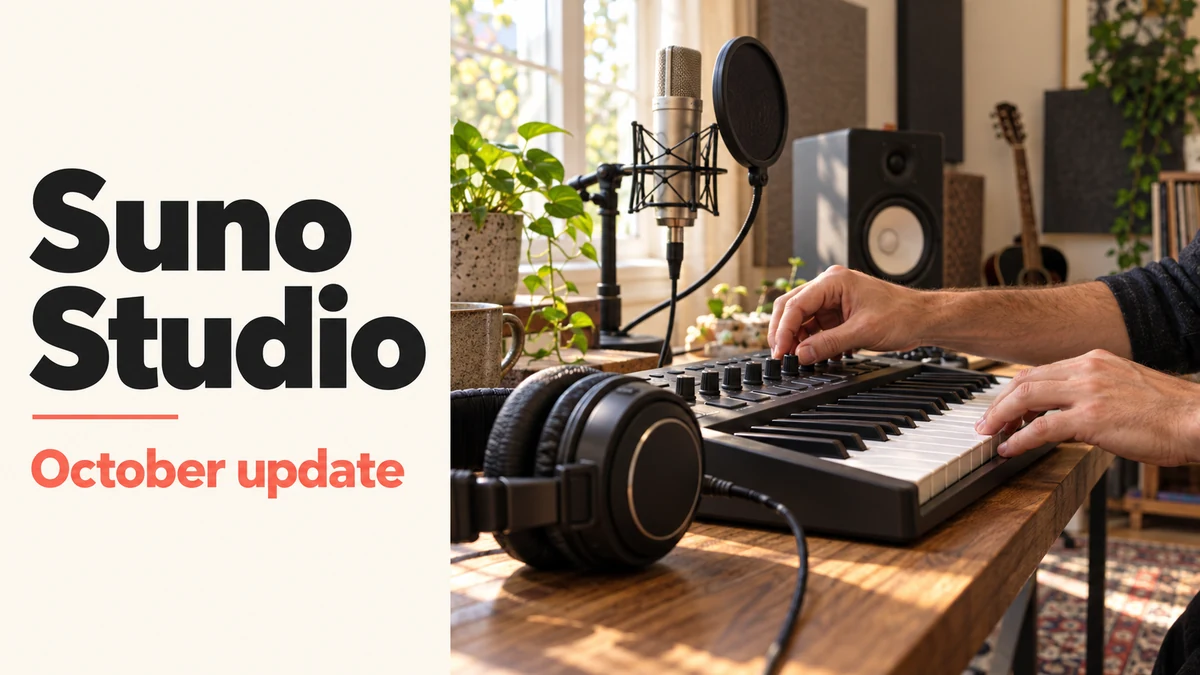
Suno Studio’s October 8, 2026 update focuses on AI music editing: timing, transitions and workspace controls. It helps refine an existing arrangement rather than introducing a new music model.
For creators, the useful question is simple: do you need to change how an existing track fits together, or do you first need a good song idea? This guide separates those jobs, explains the announcement, and gives you three compact prompts for starting the second one.
At a glance
- Announced
- October 8, 2026
Sources: Suno: October Studio release notes
- Product
- Suno Studio, a browser-based music workspace
Sources: Suno: October Studio release notes
- Access
- Included with Suno Premier
Sources: Suno: October Studio release notes
Suno Studio update: clip stretching, fade curves and timing
Suno lists four changes in its October release notes:
- Improved first-beat detection for newly created clips.
- Clip time-stretching with Shift-click-drag.
- Adjustable fade shapes, including exponential and logarithmic curves.
- Separate movable windows for the synth, musical typing keyboard and expanded plugin views.
Sources: Suno: October Studio release notes
Choose the job before choosing the tool
Think of two different starting points. In the first, you like a track but its entrance feels late or its ending cuts off awkwardly. You have an editing problem: identify the moment, make a small change, and listen again. In the second, you only know that your video needs something warm and playful. You have a creative-brief problem: describe the sound before worrying about the timeline.
Our recommendation is to finish this sentence before opening an editor: ‘I want the listener to feel ___ while they ___.’ A birthday surprise and a quiet product demonstration need different musical decisions, even if both begin with the same instrument. A specific purpose gives you a better way to judge the result than simply asking whether it sounds impressive.
A five-minute listening pass before you edit
Choose one short section and listen without touching any controls. Write down the exact moment that distracts you. ‘The entrance at the second scene feels rushed’ is an actionable note; ‘make it more professional’ is not. Then change one thing at a time and compare it with the earlier version.
Suno’s product page describes audio and stem imports, arrangement controls, automation and exports for songs, stems or selected ranges. Those are options for refining an existing project. Our suggested listening checklist below is independent editorial guidance, not a report of testing the October release.
For a simple practice exercise, use an audio clip you are allowed to edit. Mark where you want its ending to fall. Adjust one transition, then play the unchanged and edited versions against the same visuals at the same volume. Keep the version that fits the scene better. This is a suggested comparison, not a tested result from Suno.
- Entrance: does the music arrive where the visual or spoken introduction needs it?
- Space: can you understand the narration without concentrating?
- Transition: does the next section feel deliberate rather than accidental?
- Ending: does the final moment settle, or does it feel interrupted?
- Comparison: did the change solve the original problem without creating a new distraction?
Sources: Suno Studio: product overview
Build a short AI music prompt that says something useful
Use four ingredients: purpose, mood, musical direction and one priority. For example, ‘product video’ gives context; ‘warm’ sets the mood; ‘acoustic pop’ suggests a direction; and ‘room for narration’ identifies what matters most. You do not need a paragraph of adjectives.
The examples below are original starting points, not measured results or guaranteed outputs. Each is under 150 characters, matching the description limit documented for Musy. Keep duration and vocal settings separate where your chosen app provides them. Change one part of a prompt between attempts so you can tell which choice helped.
Prompt 1: a warm product-video idea
Use this when the object or demonstration should remain the main attraction. Listen for whether the music supports the pace of the video. If it demands too much attention, simplify the musical direction rather than adding a longer list of instructions.
Warm acoustic-pop instrumental for a handmade-product video, gentle pulse, simple melody, room for narration, no dramatic drops.Prompt 2: a quieter background direction
Try this brief for a calm desk scene or reflective personal video. Judge it against your scene, not against a full song you would play on its own. An interesting melody can still be the wrong choice if it competes with the story.
Calm instrumental for a quiet desk-work video: gentle piano, soft texture, restrained percussion, steady mood, no vocals.Prompt 3: a personal birthday-song starting point
Personal details usually give you more to work with than a generic request for a happy song. Replace the brackets with a name and one small memory. If you write lyrics separately, read them aloud first: an easy spoken phrase is a useful starting point for an easy chorus. Keep the completed prompt under 150 characters after replacing the brackets.
Playful acoustic-pop birthday song for [name], about [shared memory], friendly lyrics, upbeat mood, short repeating chorus.Where Musy fits if you want to start on your phone
Musy is a separate app for turning a short description into a song on iPhone or iPad. Its documented workflow includes instrumental or lyrical songs and a library for finished tracks. It is a useful place to explore a musical idea when your immediate goal is creation from a brief.
Choose the workflow that matches your next step. If you are evaluating a detailed editing workspace, follow Suno’s official documentation. If you want to begin with a sentence and hear a new song idea, explore Musy’s own features and current App Store listing.
Questions, answered
What is Suno AI Studio, and is it free?
Suno calls its browser-based music workspace Suno Studio. The October release notes say Studio is included with Premier. Check Suno’s current plan details before subscribing.
How do I stretch a clip in Suno Studio?
The October update adds clip time-stretching with Shift-click-drag. Use it to adjust a clip’s timing, then listen to the transition in context.
Is this a new Suno music model?
No. The October 8 announcement concerns Studio editing and workspace improvements.
Do I need a long prompt to get started?
Start with a clear purpose and a few musical choices. The three examples above are deliberately short, so you can adjust one decision at a time.
Have you tested these prompts in the new Studio update?
No. They are original creative briefs to try, not a benchmark, product test or promise of a particular result.
Does Musy include these Suno Studio controls?
This article does not establish any Suno integration or equivalent Studio controls in Musy. The apps have separate workflows.
Sources and editorial note
Reported facts are linked to their sources. Sections marked GO AI analysis contain our interpretation; prompts are suggestions, not recorded test results.