 GO AI Chat · iPhone · iPad · Mac
All Your AI
in GO AI.
GPT-5, Gemini, Grok 4, and DeepSeek — switch models mid-conversation, always on the latest version. Plus image and video generation, real two-way voice powered by Grok's voice agent, and a Studio-grade photo editor.
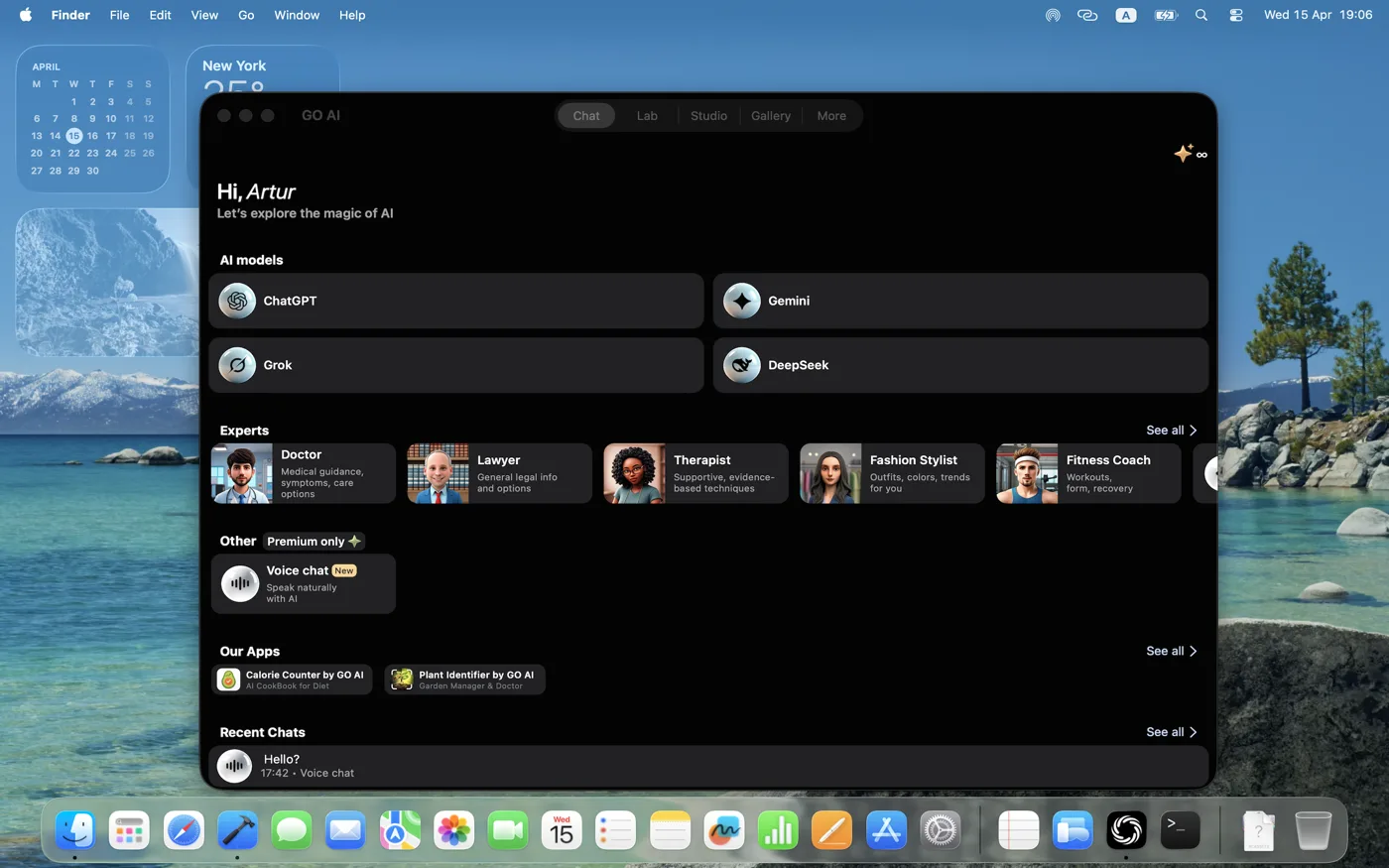
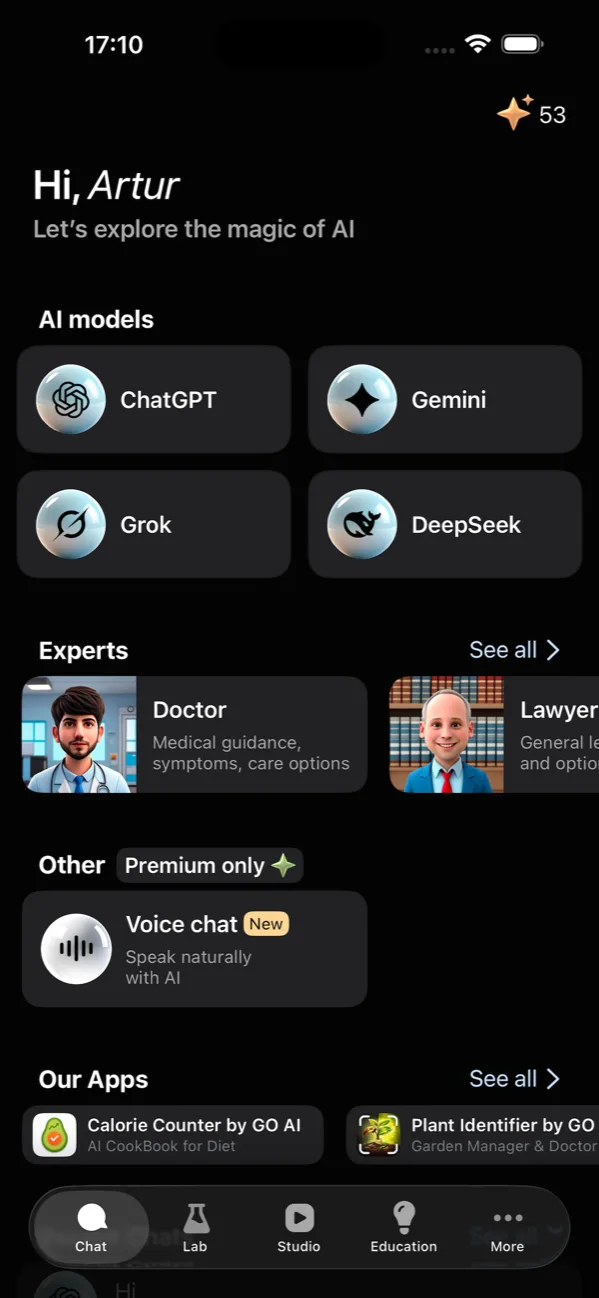
One subscription. Always the latest version of every frontier model.
-
 GPT
Reasoning, code, vision
GPT
Reasoning, code, vision
-
 Gemini
Long-context, multimodal
Gemini
Long-context, multimodal
-
 Grok
Real-time web, witty
Grok
Real-time web, witty
-
 DeepSeek
Math, science, fast
DeepSeek
Math, science, fast
Switch models mid-conversation
Start a thread with GPT for code, switch to Gemini when you need long-context document analysis, jump to Grok for the latest news, finish on DeepSeek for fast math. The same conversation, four different brains.
- Always the latest model from each provider
- Switch models without losing context
- Token balance shown live in the header
- Save threads as named sessions
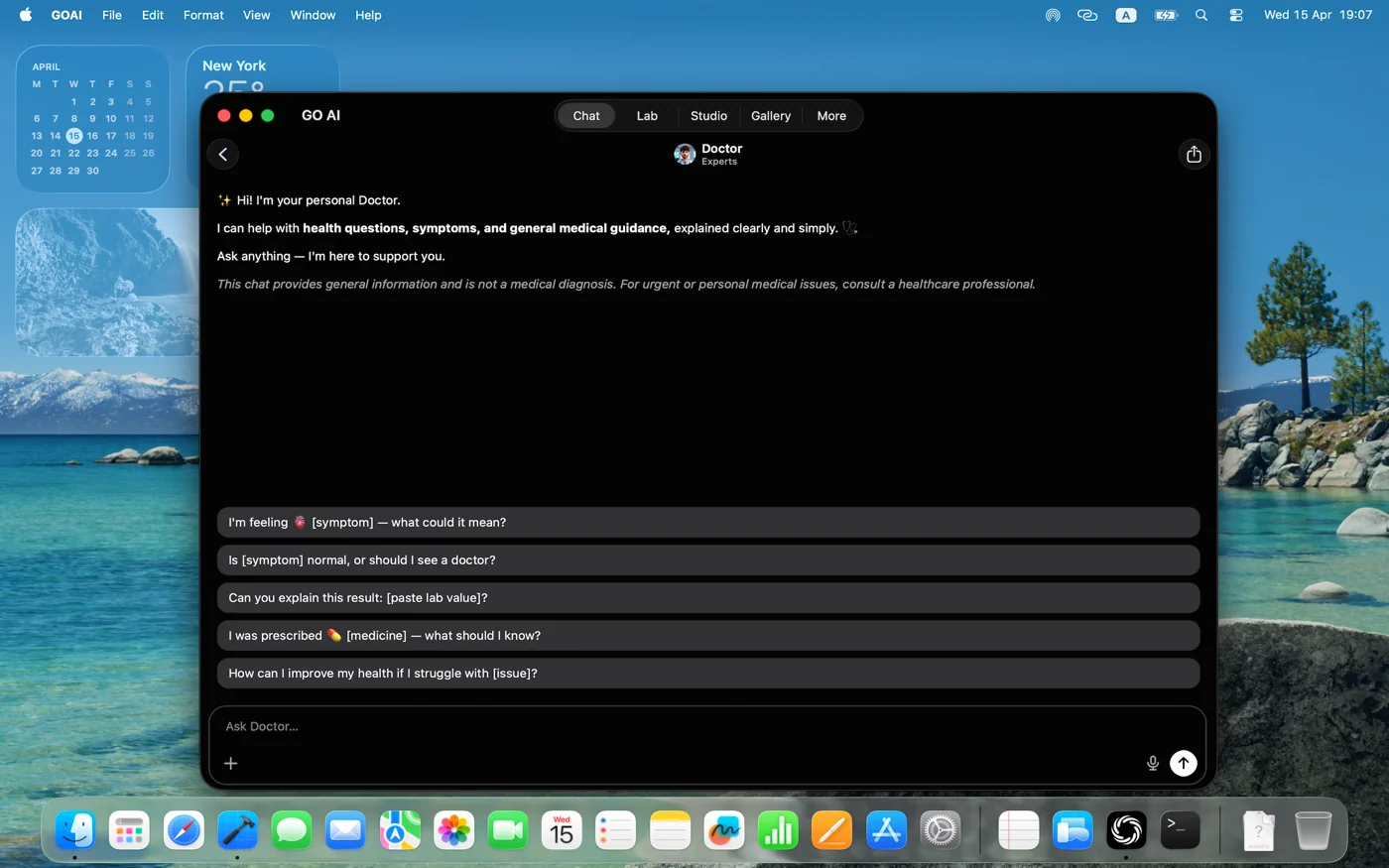
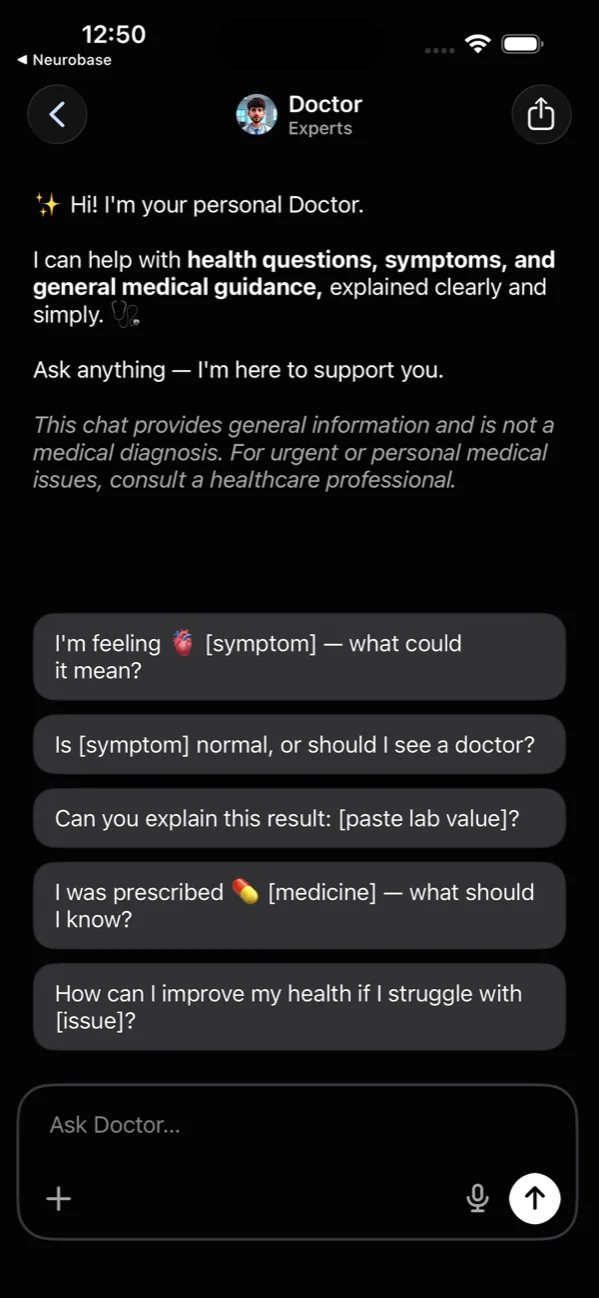
Talk to a doctor, lawyer, or coach
Pre-built personas — Doctor, Lawyer, Coach, Designer, Chef, and more — come with the right system prompt, suggested questions, and tone for the job. Or create your own experts with custom instructions.
- Curated experts for medical, legal, fitness, design, code
- Suggested first questions to break the ice
- Customize tone, persona, and instructions
- Save your own experts for repeat use
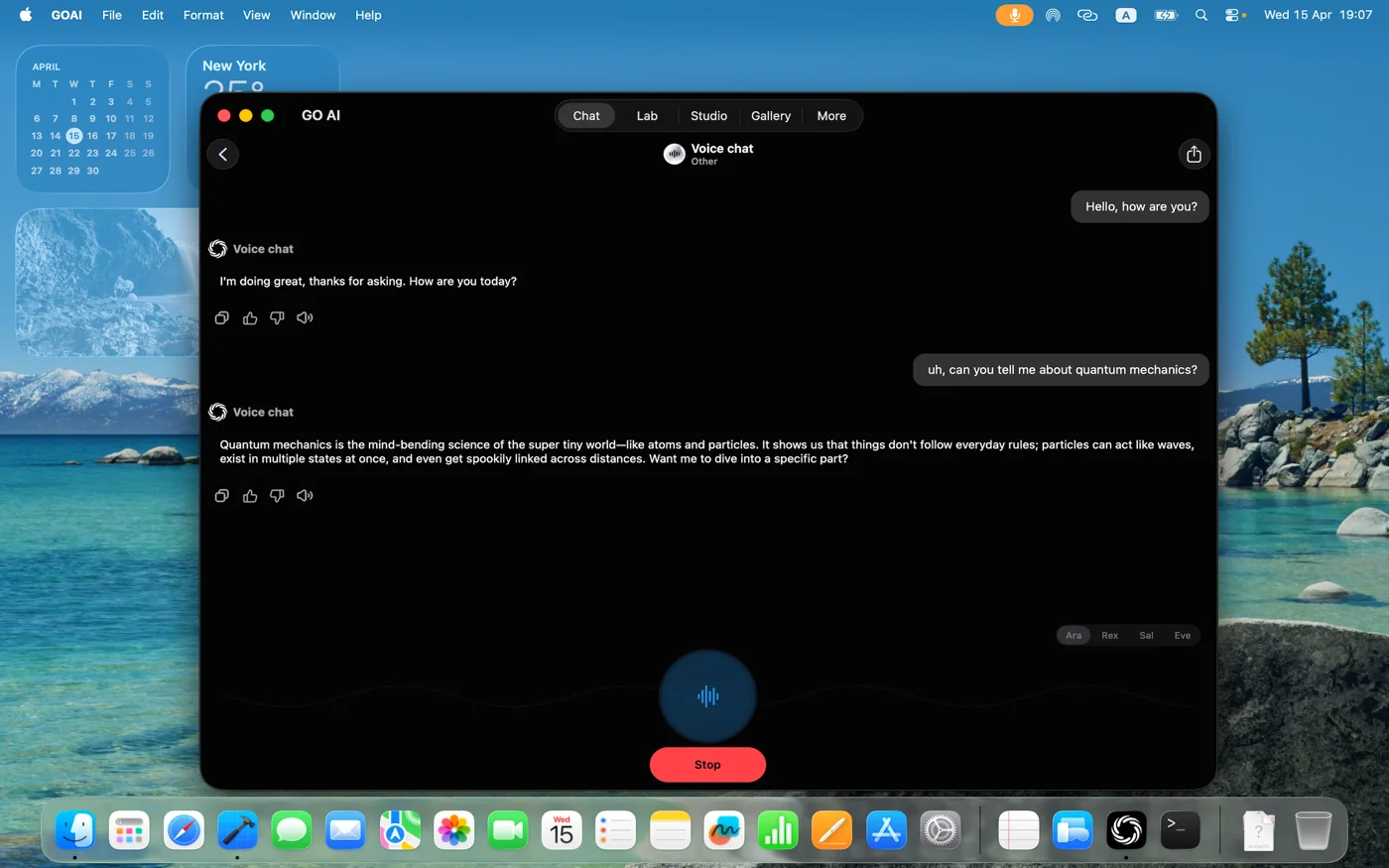
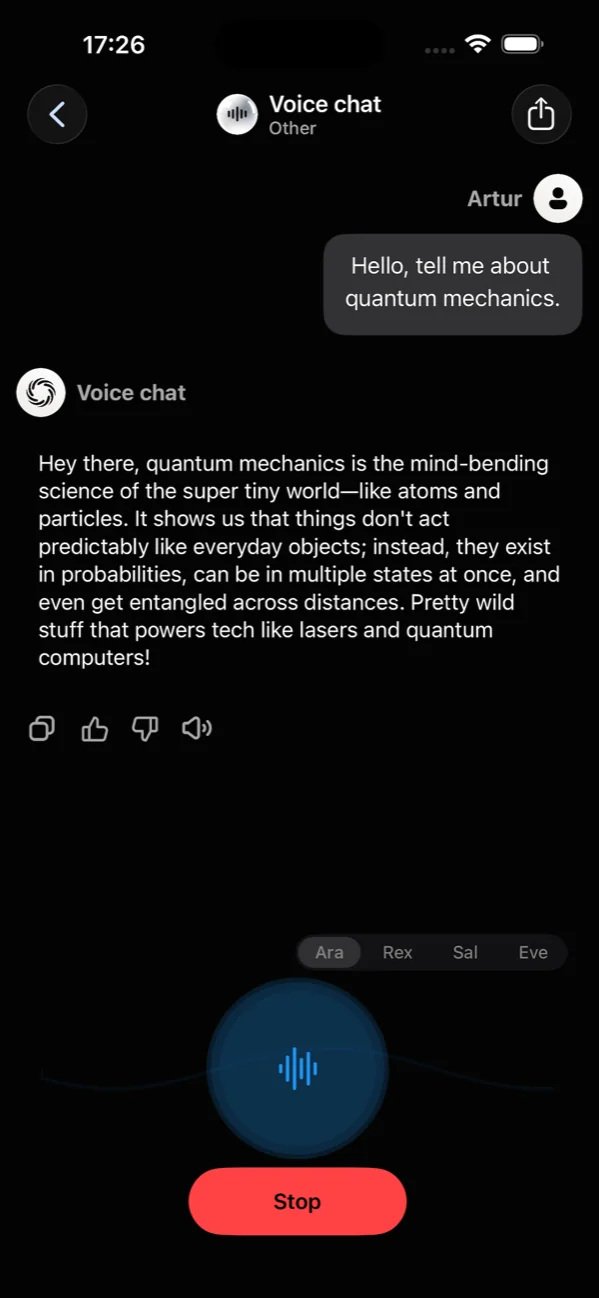
Voice mode, hands-free
Talk, and it talks back. Voice mode is a real two-way conversation powered by Grok's voice agent — live speech in both directions, not transcription. Pick from five voices — Ara, Rex, Sal, Eve, and Leo — each with its own tone.
- Grok voice agent — real two-way speech, not dictation
- Five voices: Ara, Rex, Sal, Eve, and Leo
- Live waveform feedback while you speak
- Auto-pause when you stop talking
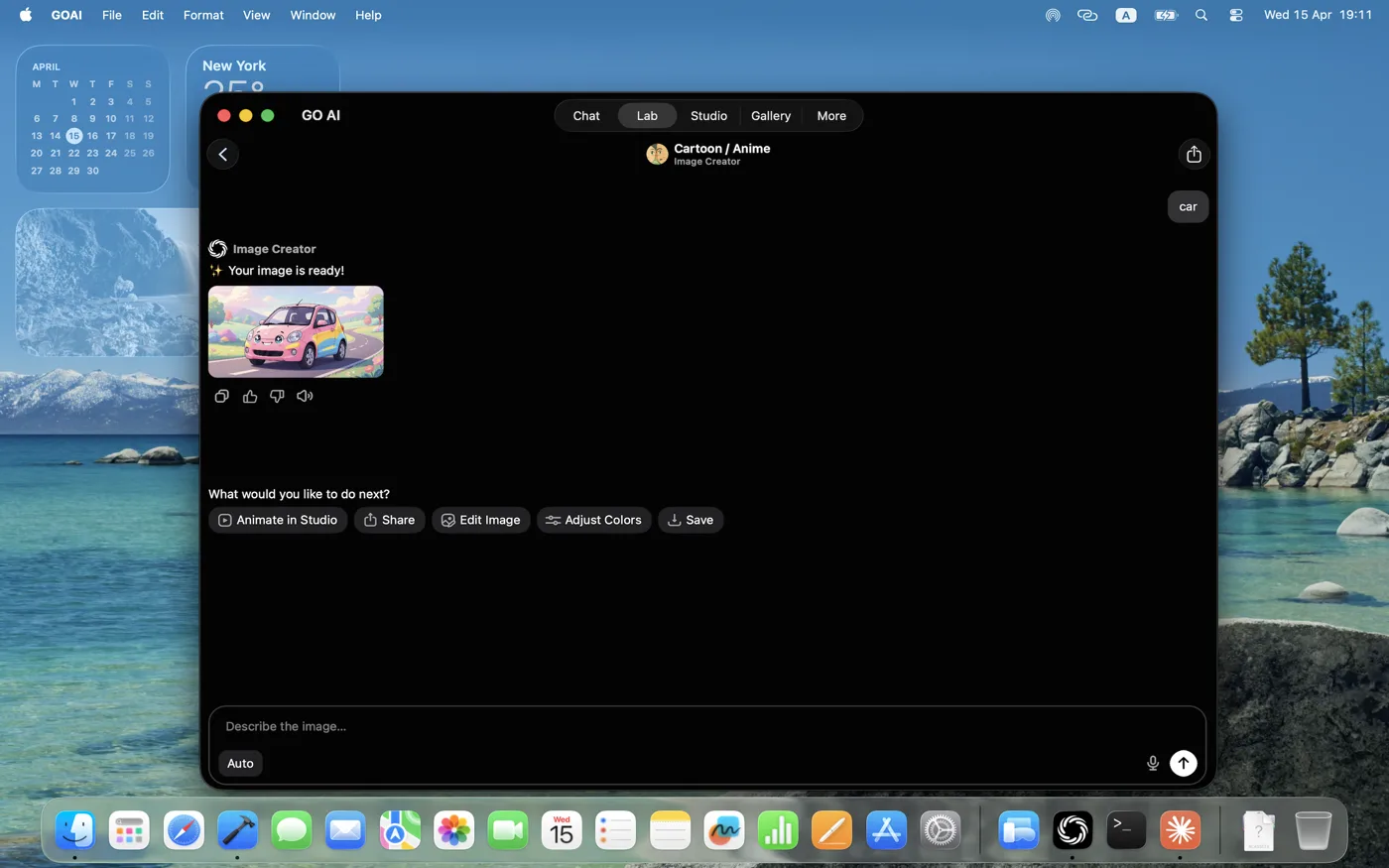
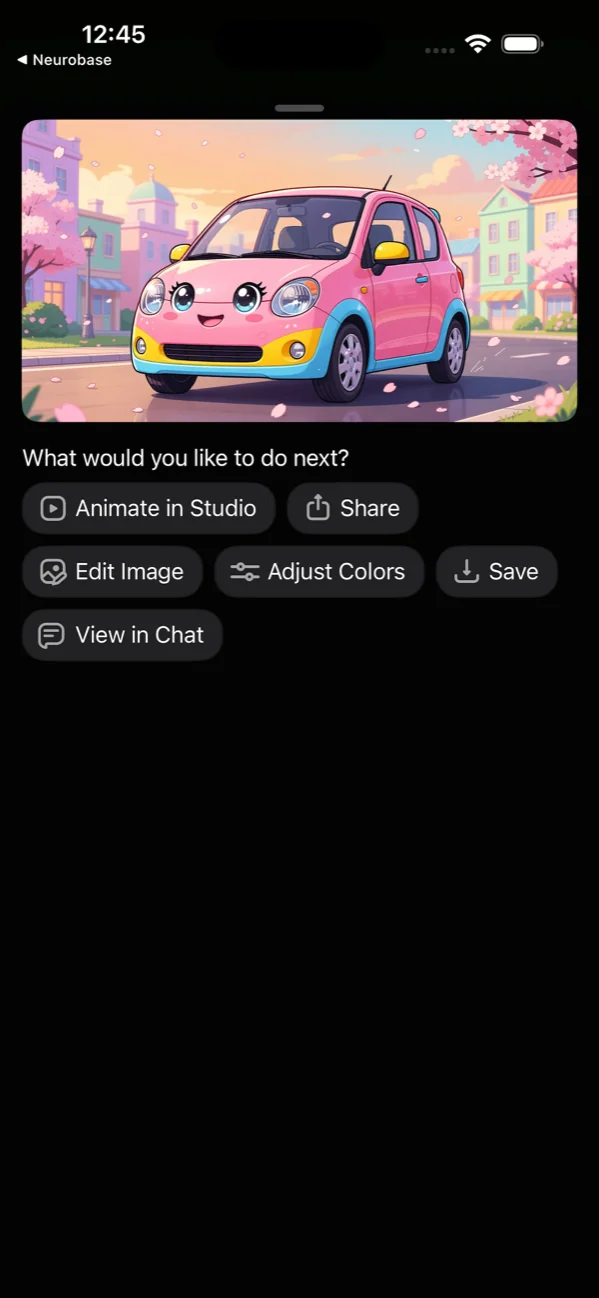
Generate images from a single prompt
Describe what you want. Pick a style — Low Poly, Cartoon/Anime, Cyberpunk, Photoreal, Pencil Sketch, and a dozen more. The Lab runs the latest image models behind the scenes and serves you the result with one tap to remix or upscale.
- 14+ built-in style presets
- Prompt templates to skip the blank-page problem
- One-tap upscale, remix, or transform
- Save to Gallery automatically
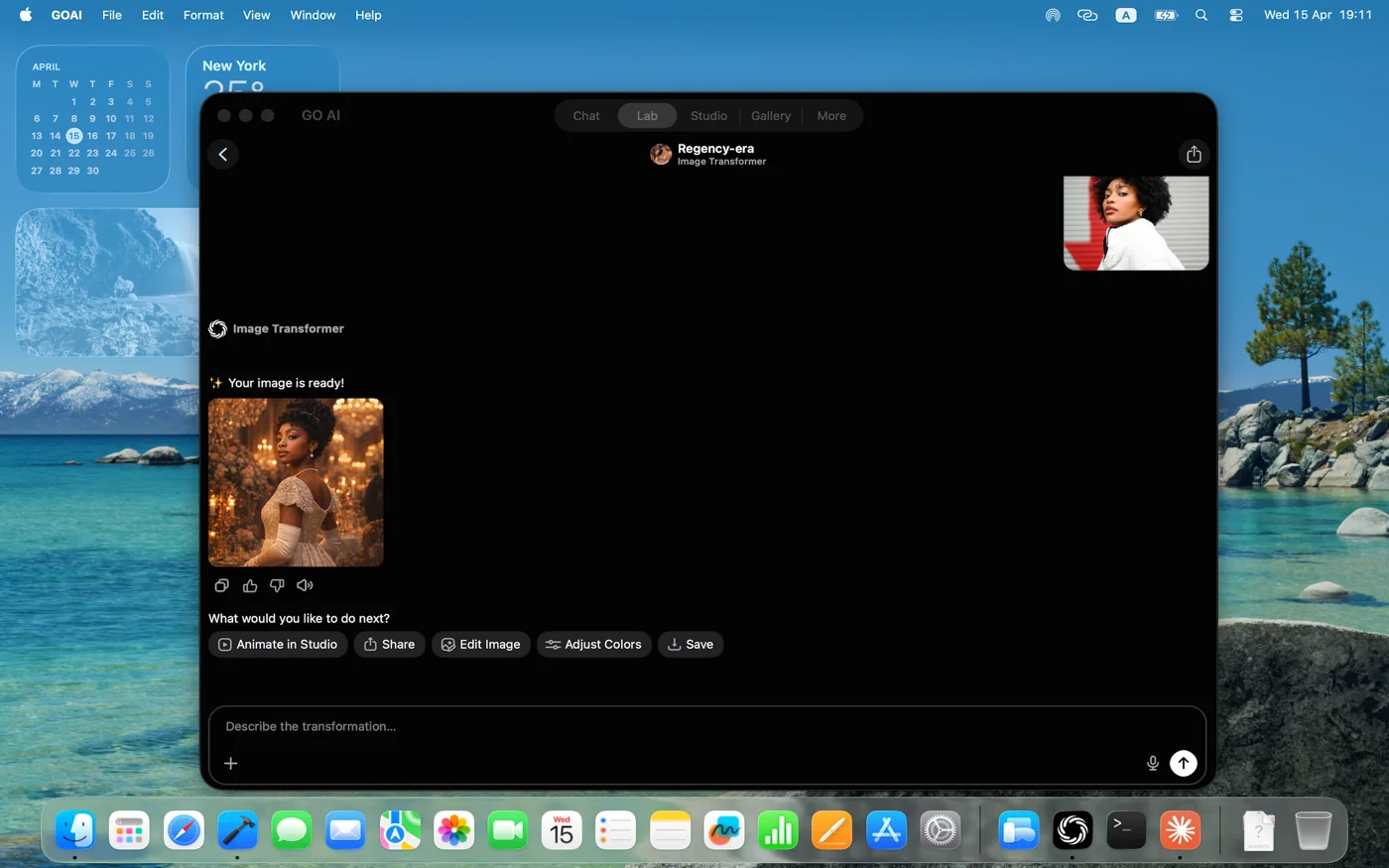
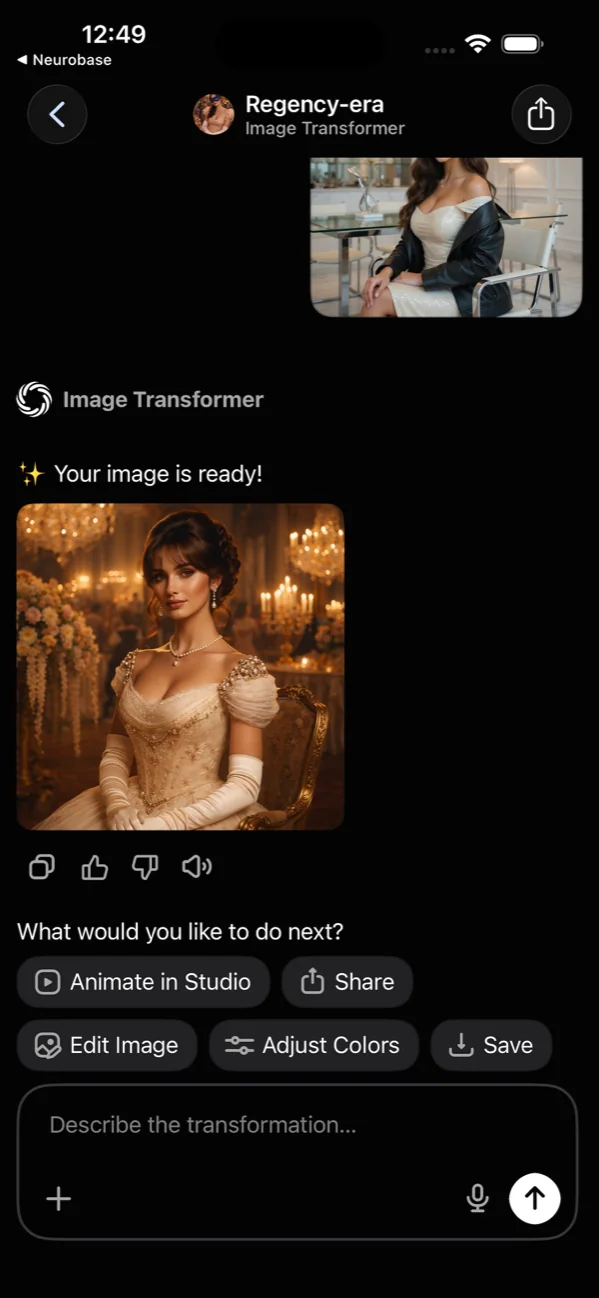
Restyle any photo, before to after
Drop in a photo. Pick a vibe — Regency-era portrait, fantasy elf, retro anime, Pixar 3D. The app shows you the source and the result side by side, then offers next-step actions: remix, refine, or save.
- Before-and-after view, always
- Period, fantasy, anime, photoreal styles
- Refine the result with a follow-up prompt
- Source photo never leaves your device until you ask
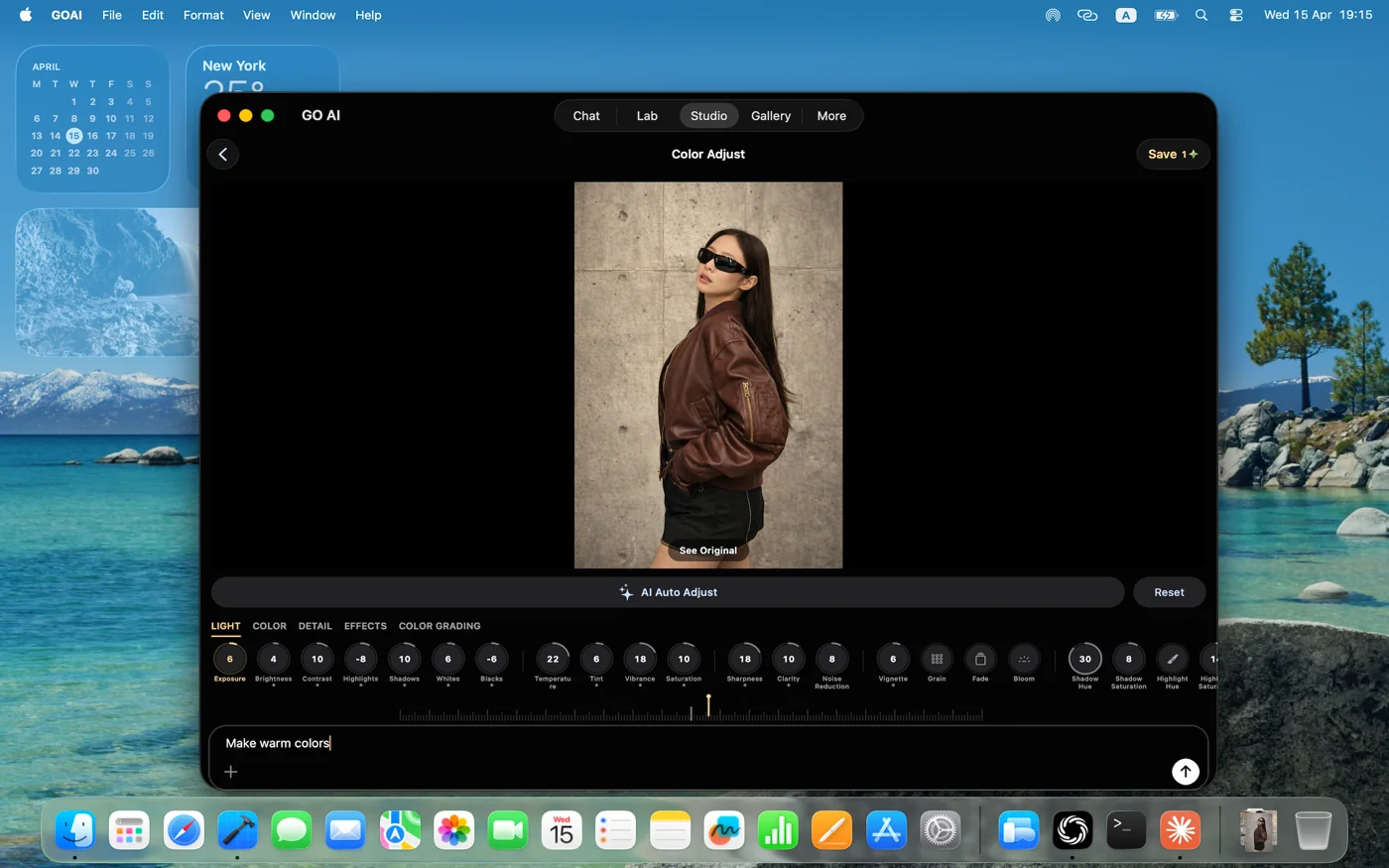
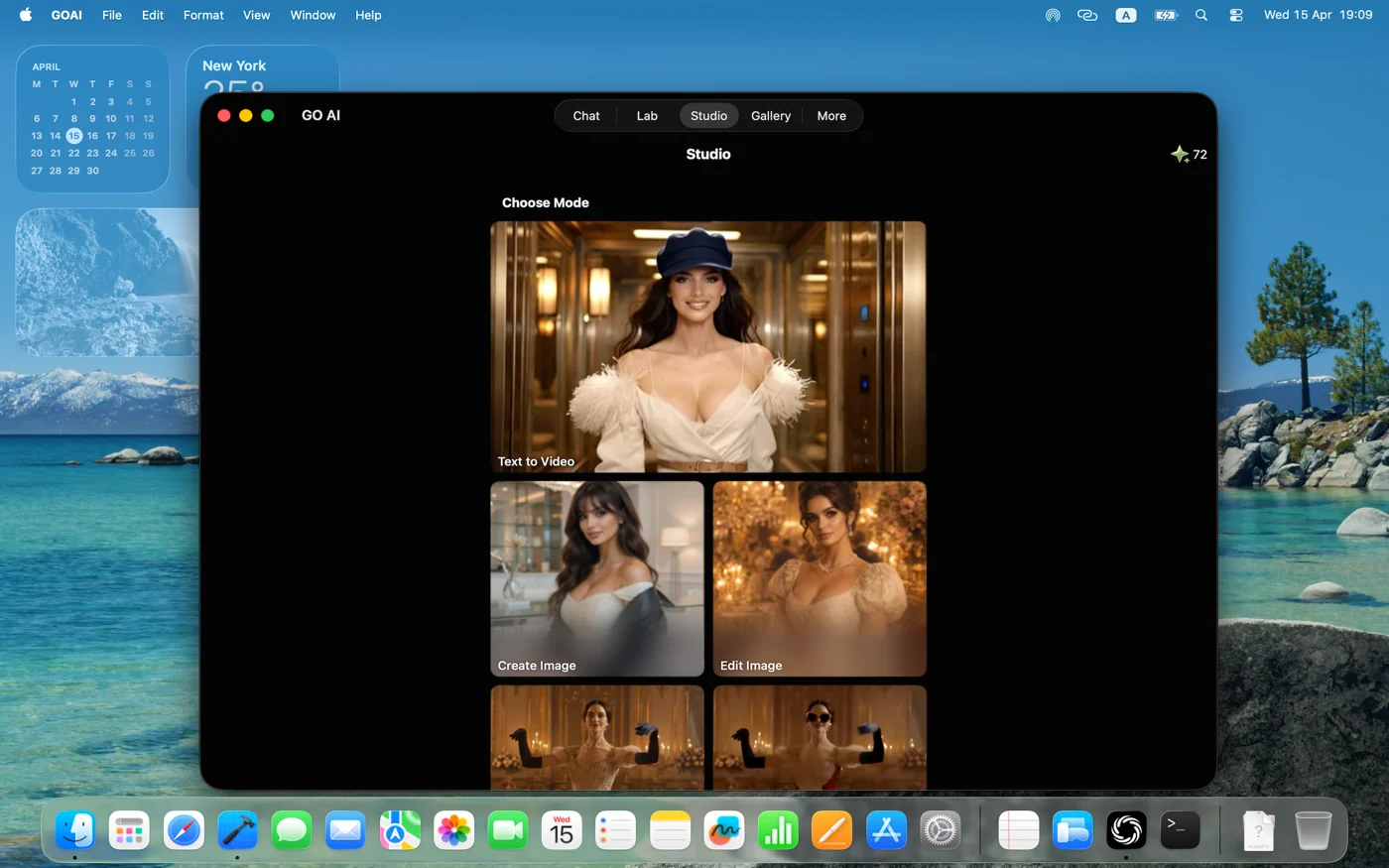
Studio: a pro photo editor, baked in
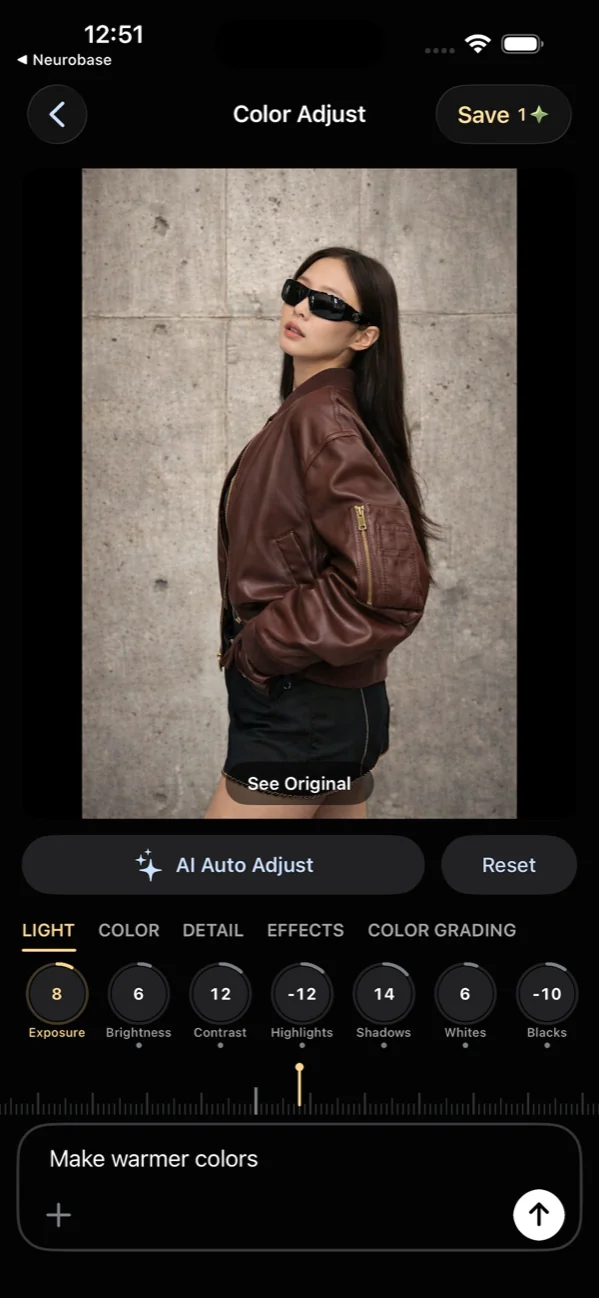
Beyond AI, GO AI Chat ships with a real editor. Light, color, detail, effects, and color grading panels — the same controls a creator pro would expect. Pick a mode (Try to Wear, Create, Edit) and dive in.
- Light, color, detail, effects, color grading panels
- Three modes: Try to Wear, Create Image, Edit Image
- Non-destructive — original always preserved
- Mac brings the full editor to a 27" canvas
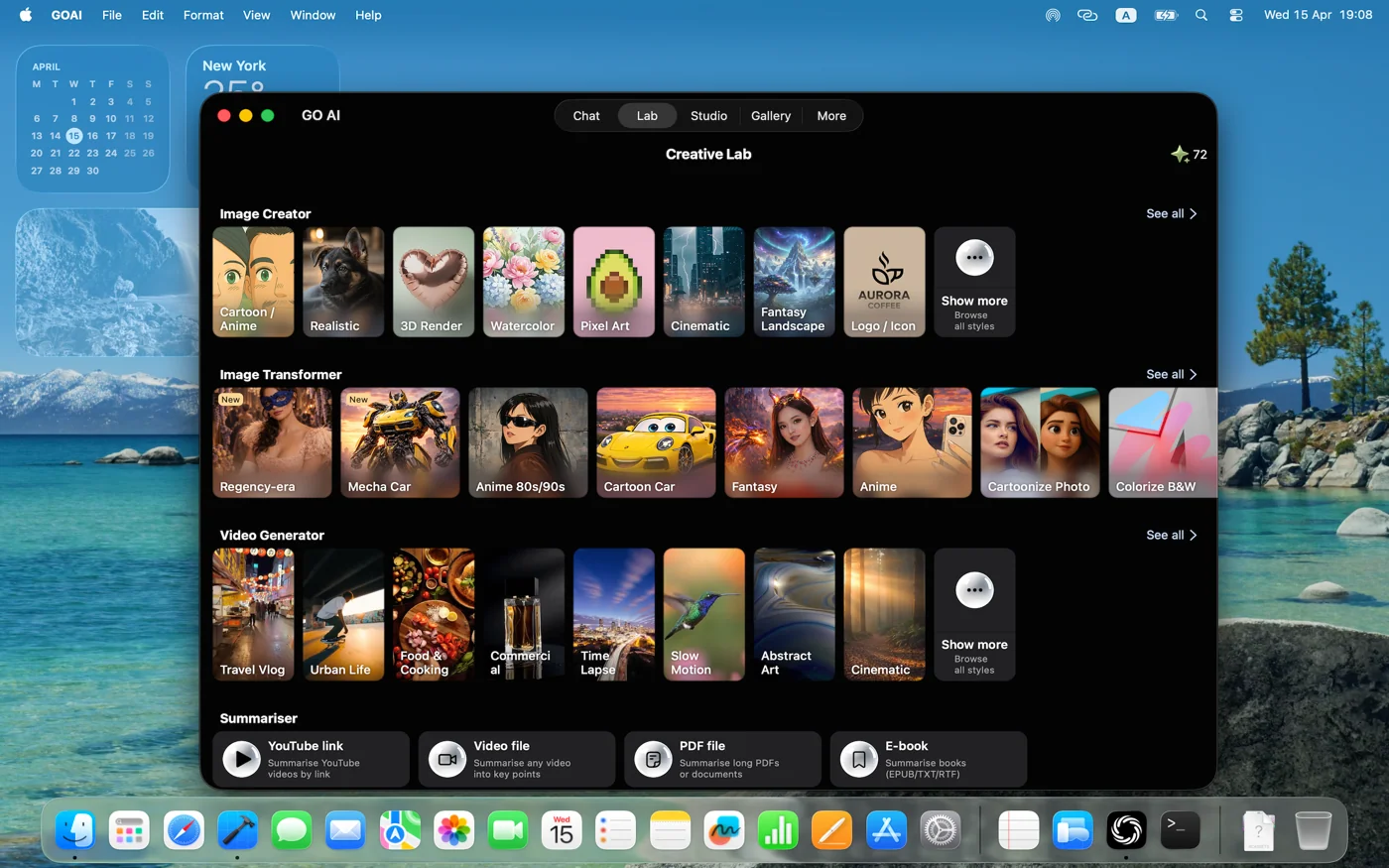
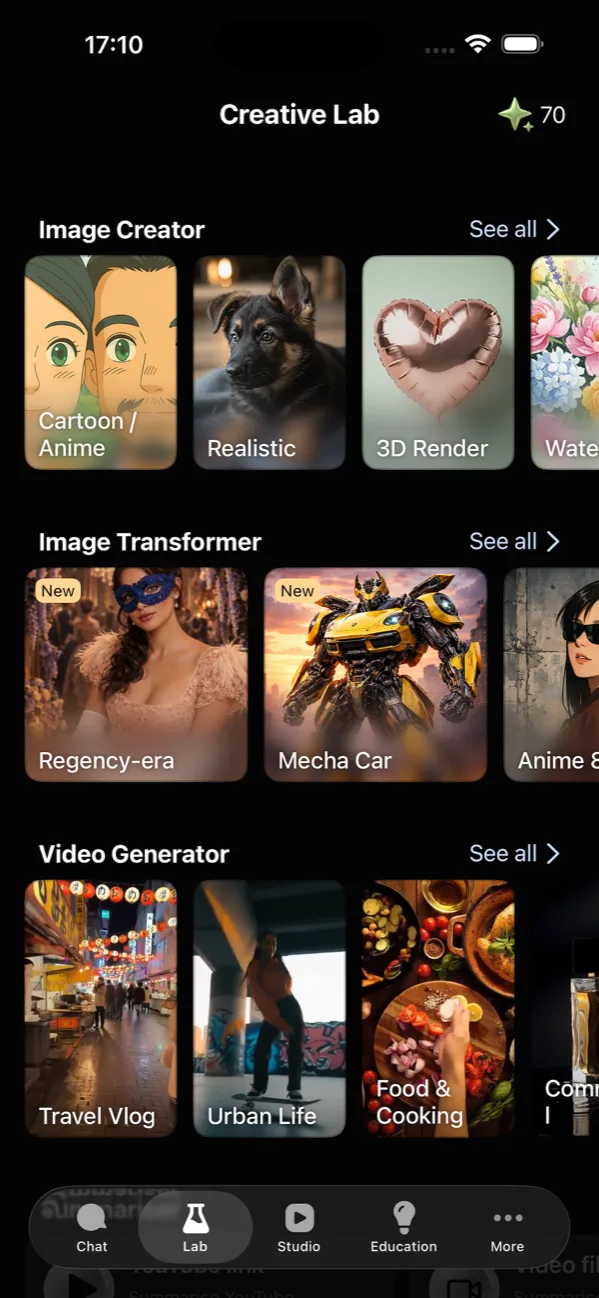
The Lab: every creative tool, one place
Image Creator, Image Transformer, Video Generator — all the AI media tools live under a single Lab tab. Each surfaces example outputs in the picker, so you know what you'll get before you commit a prompt.
- Image creator with 14+ styles
- Image transformer with before/after preview
- Video generator with prompt-to-clip
- Examples shown inline so you know what to expect
A Gallery of everything you create
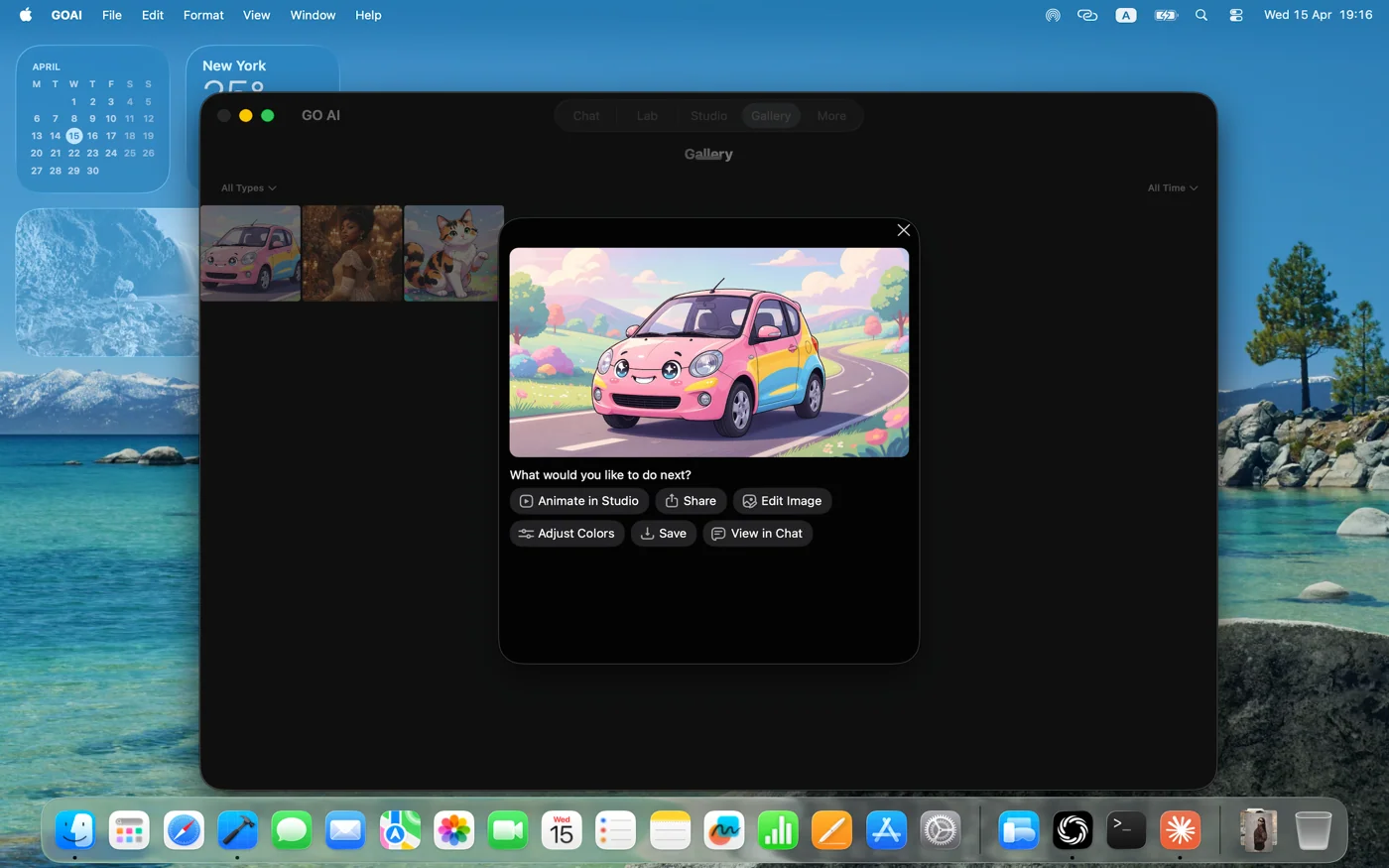
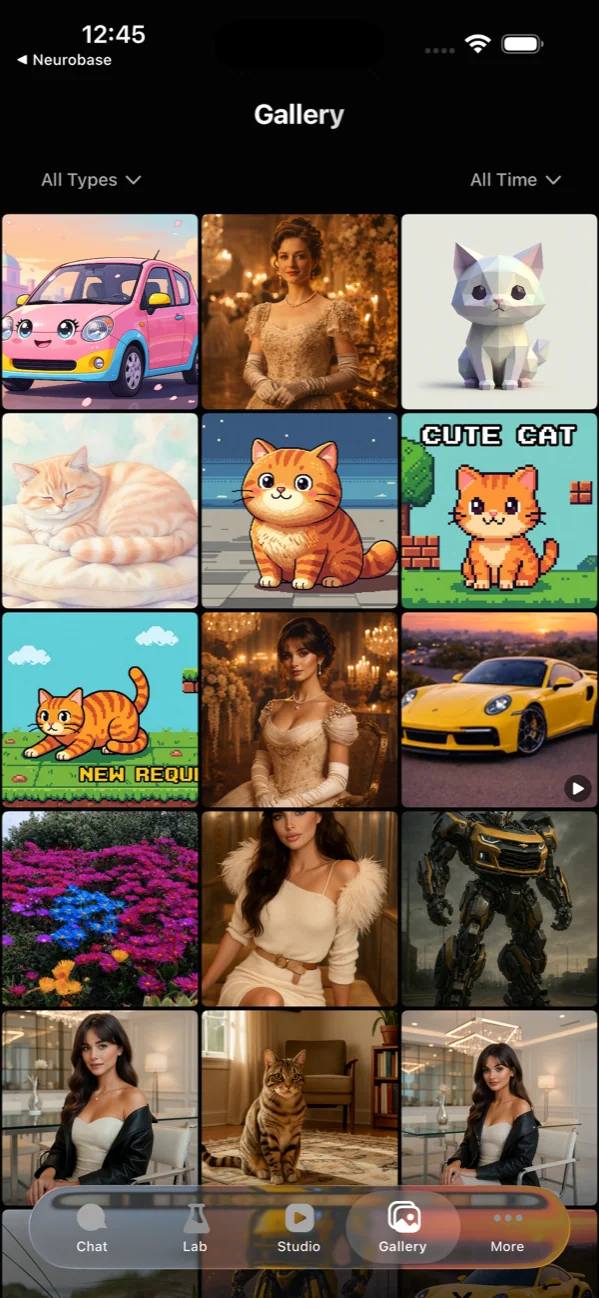
Every generation, every restyle, every transformation lands in your Gallery — searchable, filterable, and one tap away from being remixed or saved to your camera roll. On Mac, the Gallery becomes a working canvas with thumbnails on the left and a big preview on the right.
- Auto-saves every output
- Filter by type, style, model
- One-tap save to Photos
- Mac gallery doubles as a working canvas
iPhone, iPad, and Mac.
Same conversation, all your devices.
One subscription. Universal app. Pick up where you left off, even mid-thread.
Ready to try?
Free to download, free tier with daily tokens. Pro and Max tiers unlock more capacity.
Questions? support@goaichats.com